How to market a UK passport photo service locally
How UK studios, pharmacies and camera shops get found for passport photos: the Google listing, the window card, and a till script for prints plus a Photo Code.
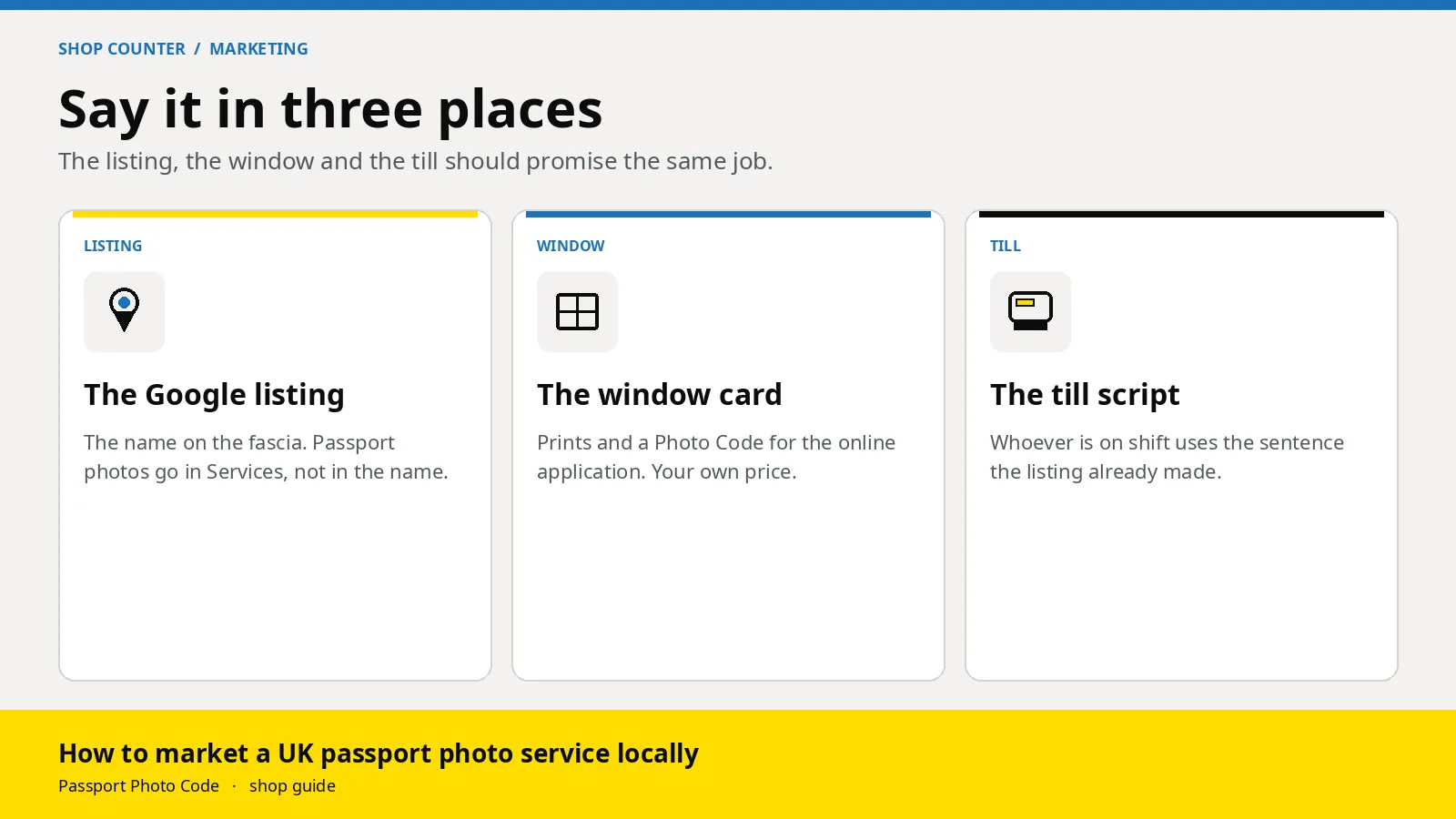
A UK shop gets found for passport photos by saying the same three things wherever people look: you take the picture on the premises, you give a Photo Code the customer can use for an HMPO online application, and you can print as well. Put that on the Google listing, on a card in the window, and in one sentence at the till. Leave government logos off all three.
Updated 30 October 2026. Passport Photo Code is independent of GOV.UK and HM Passport Office. HM Passport Office makes the final decision on every photograph. Listing rules below are from Guidelines for representing your business on Google, Edit your Business Profile and Manage your services, checked on 30 October 2026. The advertising limit is CAP Code rule 3.52 and the ASA’s note on official endorsements. The photo point is from photos for passports. If an official page changes, it wins.
Where do people decide to walk in?
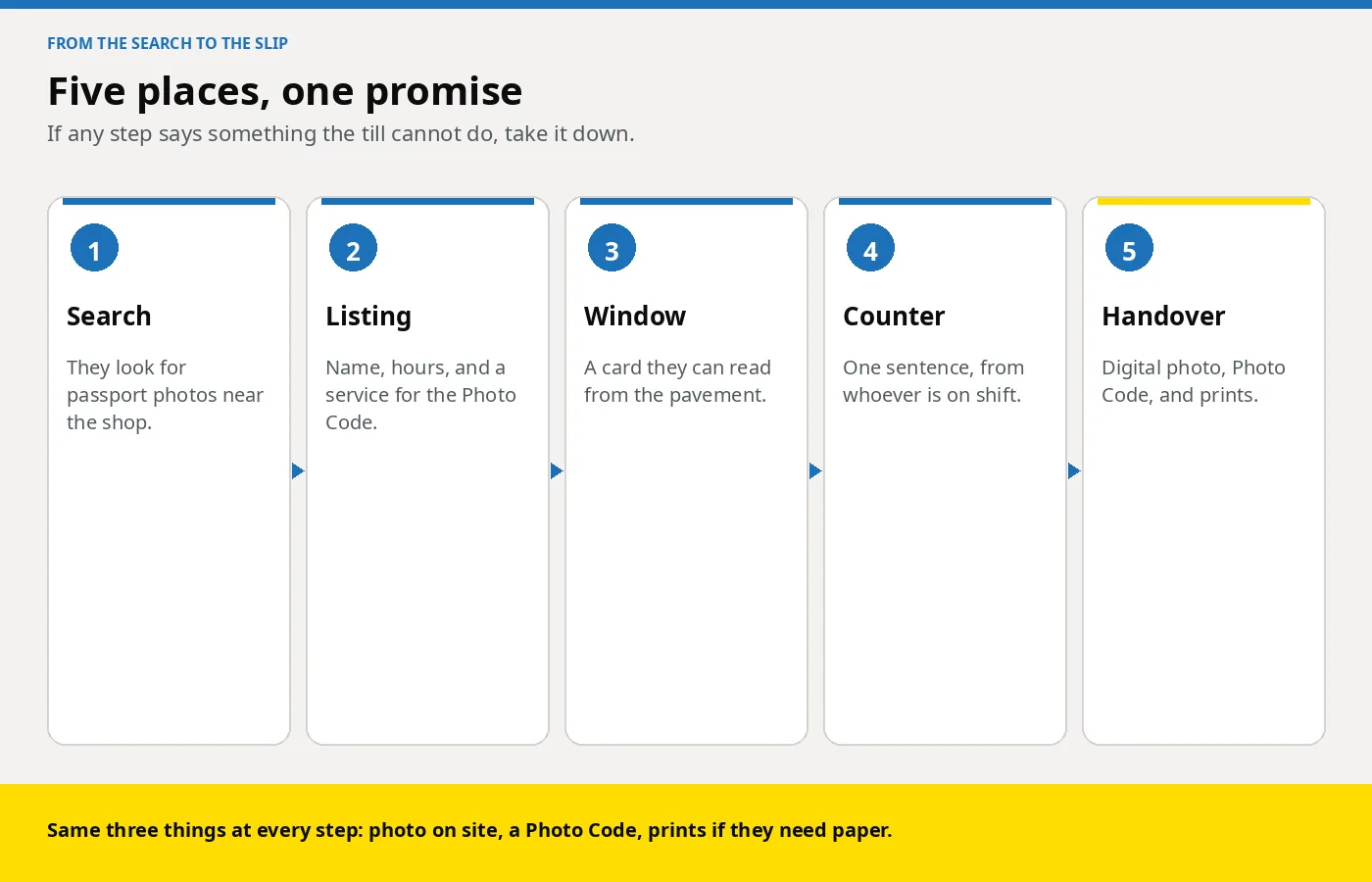
Most of the choice is made before the door. They search for passport photos, open the listing that names a Photo Code and shows you as open, then check the window. A staffed counter has to name the outcome, or they keep walking.
Photos for passports tells applicants that a photograph from a booth or a shop is more likely to succeed than one taken on their own device during the application. That is why the listing is worth keeping accurate. It is not a reason to borrow a government logo. You are an independent shop. The code can be used for an HMPO online application. The passport office still examines the photograph.
The door line in offering Photo Codes without a booth is the outcome: prints, and a Photo Code for the online application. This guide is where that sentence has to live, so Saturday cover matches the Google result.
What should the Google listing say?
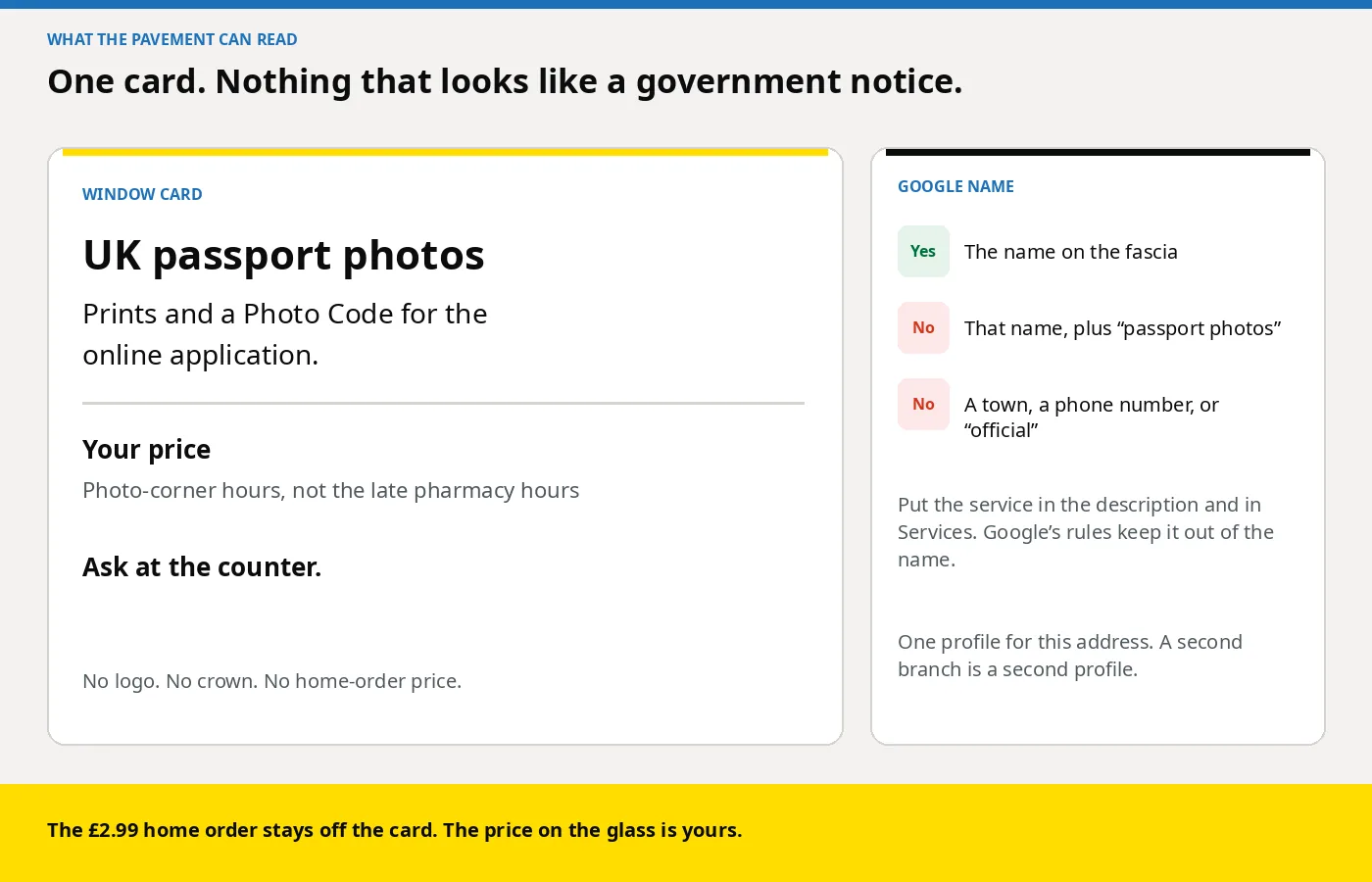
Use the name on the fascia. Google’s guidelines say the Business Profile name should match the real-world name on the storefront, website and stationery. Extra words are not allowed, and Google says they can lead to suspension. Passport photos belong in the description and in Services, unless those words are already on the sign.
| Field | What to put | What to leave out |
|---|---|---|
| Business name | The name on the sign | “Passport photos”, a town, a phone number, “official” |
| Primary category | The shop you actually are | A category picked only because it contains “passport” |
| Further categories | Only if they describe work you do | A list of nearby trades |
| Description | Prints, a Photo Code for the British passport application, who it is for | A price, a sale, a web address |
| Services | “UK passport photos”, plus a note on prints and a Photo Code | A price or a phone number inside the service name |
| Hours | When a trained person is there | Late shop hours, if the photo corner has already closed |
| Photos | The corner, the counter, the outside | A customer’s face, a government logo |
The description shows under “From the business”. Edit your Business Profile caps it at 750 characters and bars URLs. The representation guidelines say it should not focus on prices or sales. This paragraph is 308 characters:
“We take UK passport photos in the shop. You can leave with printed photos and a Photo Code to type into the British passport application. We prepare the photograph to meet GOV.UK photo rules. HM Passport Office still checks it after you apply. Ask at the counter if you need a print for a paper form as well.”
The edit guide says choose the category that matches the business, keep that primary category at every branch, and do not add categories only as keywords. You can add up to nine more, only when they are true. A pharmacy stays a pharmacy. A camera shop stays a camera shop. See the pharmacy page and the camera shop page.
Open Edit services. Add “UK passport photos” if it is not suggested, and describe prints plus a Photo Code. Manage your services says a custom service name should not include a price or a phone number. If the editor has a separate price box, use the figure on your own card.
If the corner stops at 5pm and the shop is open until 8, the listing has to say so. Update it before a bank holiday. One profile per address: the guidelines say not to create a second page for the same location. Another branch is another profile, as in multi-branch studios. A care-home visit does not get a listing at the home. Use the visit guide.
Photograph the premises. A portrait from a sitting is not an advert. How the file is handled is in GDPR basics for passport photo shops.
What goes on the window card?
The window can carry your price. The Google description should not. One card, readable from the pavement, and not dressed as a government notice:
“UK passport photos. Prints and a Photo Code for the online application. Ask at the counter.”
Under it, your package price and the hours the corner is staffed. How to set that price is in what to charge for prints plus a code. The £2.99 on this website is one Photo Code and the digital passport photo for someone taking their own picture at home. It is not a counter price, and it does not belong on the glass.
CAP Code rule 3.52 says a marketing communication must not claim that a public body has endorsed you, the advert or the product if it has not. The ASA’s note on official endorsements points at logos and at wording that puts a public body behind the shop. Rule 3.54 on the same page covers the Royal Arms. A crown or a GOV.UK wordmark fails that test. “Meets GOV.UK photo rules” describes the photograph you are aiming for.
| On the card | Off the card |
|---|---|
| UK passport photos | A line that a public body endorses the shop |
| Prints and a Photo Code for the online application | A crown, a government logo, or a layout styled like GOV.UK |
| Your own price and your photo-corner hours | The £2.99 home order, or another shop’s price |
| Ask at the counter | “Same as the booth, but cheaper” |
Paper jobs still need the print in the corner setup guide: 45 by 35 millimetres, on photographic paper. Online jobs need the code. Offer both from one sitting, so the card is true for either queue.
What do you say when they ask at the till?
Use the sentence the listing already used.
“We take the photo here. You get a Photo Code to type into the British passport application, and prints if you need them. You enter the code when the form asks for the photo. HM Passport Office still checks the photograph.”
The screens are on using a photo with a code. Phrases to retire are in why customers ask for a Photo Code. If they ask whether you are the passport office, say no. You are a shop. The code can be used for the HMPO online application.
- “Do you do the digital one?” Yes, for a British passport application online. Ask which form is open before you shoot. A driving licence is a different job. Do not print the passport code as a licence code. The split, including Northern Ireland, is in can I use a passport photo code for my driving licence.
- “Can you use the photo on my phone?” Only if you would have taken that frame yourself: last month, no filter, plain background, one person. A selfie or a beauty mode means they stand in the corner. Do not smooth a face to rescue a file. The public rules say the photograph is unaltered.
- “Will the application be fine?” You can check the faults you can see. You do not decide the application. Shop faults and reshoots are in the shop playbook.
Read the code aloud from the slip. Characters to watch, and what else to write, are in what to print with the Photo Code.
How do you keep the advert true on a Saturday?
If the person on the till cannot issue a code, take the words off the window until they can.
- Pin the staff checklist by the camera. Distances and the wall colour are in the corner setup guide.
- One workspace. Passport Photo Studio opens in the browser from the studio overview. The order pages on this site are for someone at home.
- A new job for each person. Write the name on the slip before the next person stands up. Baby rules are in the baby and child counter guide.
- If the trained colleague has left, book a time when they are in. Do not invent a code to match the card.
- Reply to a review with the same facts. Do not paste a customer’s code into a public reply.
Who else can you tell, without a billboard?
Leave the same three words, your photo-corner hours and your price with a travel agent or any counter that does not take photos. No government logo. A care home that phones ahead is a visit: use the care home guide, and do not promise a time you cannot staff. A school office gets one child, one photograph, one code, and a promise that the children will not appear on your Google photos. At your own till, when someone collects a different print: “If the passport application is online, you will want the Photo Code as well.”
What should you look for before you advertise the code?
Do not paint “Photo Code” on the glass until a Saturday person has finished a real job.
- One frame, three outputs. A digital passport photo that meets GOV.UK photo rules, a Photo Code for the HMPO online application, and a print sheet on the printer you already own.
- A login the locum can open at 5.50pm if the card says you do codes until 6.
- No retouching step. Formatting to the UK specification is the job. Painting a background makes the card false.
- A cost that follows the sittings you have. Compare that with an annual pack on pricing. The window price stays yours.
How do you start this week?
- Read the Google name against the fascia. Remove any “passport photos”, town or “official” you added.
- Paste a description under 750 characters, with no link and no price. Add “UK passport photos” as a service. Keep the price out of the service name.
- Set hours to when a trained person is there, including the next bank holiday if the corner will be shut.
- Replace the window card. Put your own package price on it.
- Photograph the corner and the outside. Leave customers out.
- Open Passport Photo Studio from the studio overview and run one colleague through to a code and a print sheet before you tell anyone the service is on.
- Shop plans are on pricing, or email [email protected].
Frequently asked questions
Can I add “passport photos” to my Google business name?
Only if those words are already on your sign, website and stationery. Otherwise Google’s guidelines keep service information out of the profile name. Put it in the description and in Services.
What should the Google description say about a Photo Code?
Say you take the photo in the shop, the customer can leave with prints, and you give a Photo Code for the British passport application. Say the photograph is prepared to meet GOV.UK photo rules, and that HM Passport Office still checks it. Stay under 750 characters, with no web address and no price.
Can the window card say a public body endorses the shop?
No. CAP Code rule 3.52 bars a claim that a public body has endorsed you, the advert or the product. Skip the crown, the GOV.UK logo, and any line that the passport office stands behind the shop.
Should a shop advertise the £2.99 photo code?
No. That price is one Photo Code and the digital passport photo for someone taking their own picture at home. Put your own package price on the window.
What if staff are not trained to issue a code yet?
Take “Photo Code” off the window and out of the Google service until a Saturday person has finished a job in the studio workspace.
Do we need a booth before we advertise passport photos?
No. A marked corner and a staffed till can do the job. Say that you take the photo in the shop.
Can we put a customer’s passport photo on the Google listing?
No. Photograph the shop, the corner and the counter. A portrait from a sitting is not an advert.