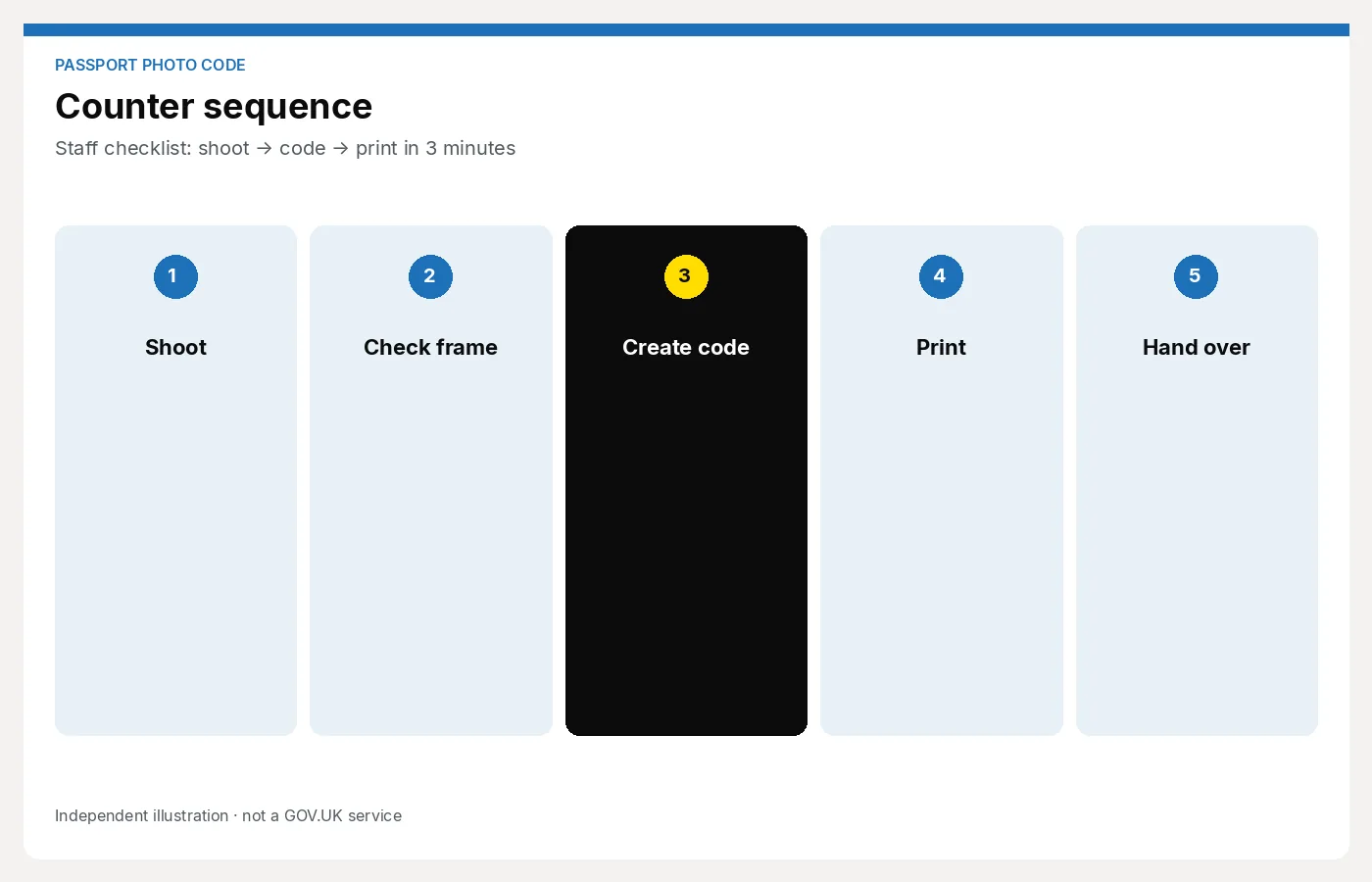
Staff checklist: shoot → code → print in 3 minutes
A printable counter checklist for UK photo shop staff issuing passport Photo Codes with prints — shoot, check, code, handoff.
This is a counter checklist, not a training manual. Pin it by the camera. A trained colleague should get from hello to a written Photo Code in a few minutes. You remain an independent shop; HM Passport Office still decides whether the photo is accepted.
Do not use the free personal Photo Code tool on this site for paying customers. That path is for people preparing their own application. Studio jobs belong in the shop workspace.
Before the customer sits
- Confirm they need a UK passport photo (not a visa or foreign size unless you offer that separately).
- Ask: online application, paper, or both? Most people want a code and a print sheet.
- Say the package price once, before you shoot. See what to charge if you do not have a card at the till.
- Check glasses: if they wear them daily they may keep them on, but you must see the eyes with no glare. Have a cloth ready.
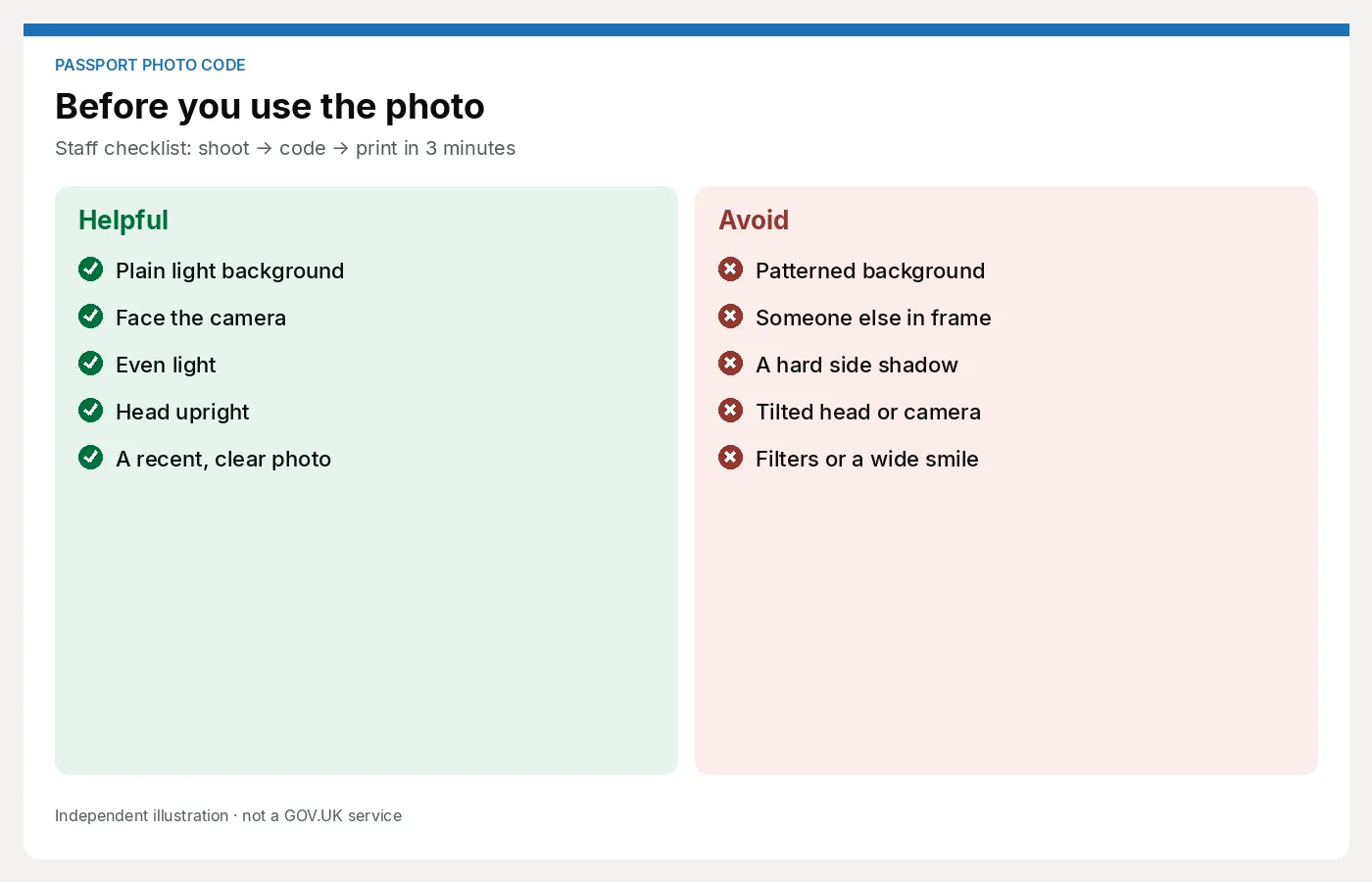
- Clear the backdrop. Plain, light, no posters, no coat hooks in frame.
Shoot
- Even light on the face; no hard shadow on the wall behind the head.
- Head and shoulders, camera at eye height, not from above the till.
- Neutral expression, mouth closed, eyes open and visible.
- Hair and head covering: face fully visible; no sunglasses or tinted lenses.
- Take two or three frames. Pick the sharpest. Do not shoot twenty “just in case” unless it is a baby.
Babies and children under six have official exceptions (expression, eyes). Still keep the background clean and the face unobstructed. Do not promise a pass.
Prepare
- Crop and size to the UK digital passport specification in your software.
- Run your usual checks: shadows, glare, expression, cropped hair, busy background.
- If a check fails, reshoot now. Do not issue a code on a photo you would not put your name to.
- Keep the studio job in the studio workspace, not a personal DIY upload.
Issue the Photo Code
- Generate the code only after you are happy with the digital file.
- Read it back once. Watch 0 vs O and 1 vs I.
- Explain in one sentence: “You type this on the GOV.UK passport form so they can fetch the photo. It is not an approval.”
- Do not say “guaranteed”, “official government code”, or “this means it will go through.”
- Print the sheet if they asked for prints — most still do.
- Check the print against the screen: same person, no cut-off heads.
- Offer a reprint only if the printer failed, not because they dislike their hair.
Close (handoff)
- Write the code down on a receipt, card or printed slip. Do not rely on them photographing the monitor.
- Email the code if that is part of your process.
- Remind them to keep the code until the application is submitted, and to check the photo on screen when it loads.
- Take payment for the package you quoted.
- If they have another person in the party, start the checklist again — do not reuse a backdrop that has drifted.
If something goes wrong
- Code not generated: do not send them to a booth in a panic. Retry the workspace or use your backup process. If you cannot issue a code, say so and sell prints only at the print-only price.
- Customer wants a guarantee: repeat that HMPO decides. Offer a reshoot if your photo is clearly at fault (glare you missed, shadow). Do not offer a refund against a later HMPO rejection unless that is a written shop policy.
- Wrong tool opened: close the personal DIY page and open the studio workspace.
Manager tip
Time one job with a stopwatch on a quiet morning. If it is more than a few minutes, the delay is usually the script or the software, not the camera. Train the handoff first — a clear written code prevents Saturday phone calls.
When you want a browser workspace that covers shoot checks, code and print sheet without a DNP pack, use For photo studios.