Multi-branch studios — one cloud login vs per-shop licences
How UK photo groups should roll out Photo Codes across branches — per-shop licence packs versus a shared cloud workspace, plus a one-shop pilot.
Two shops is not twice one shop. It is a second till, a second Saturday person, and a second way to buy unused codes. This note is for owners and area managers — not for someone making a personal Photo Code at home.
Passport Photo Code is an independent service, not a GOV.UK product. No shared login and no pack can guarantee HM Passport Office acceptance.
Per-shop licences (packs and seats)
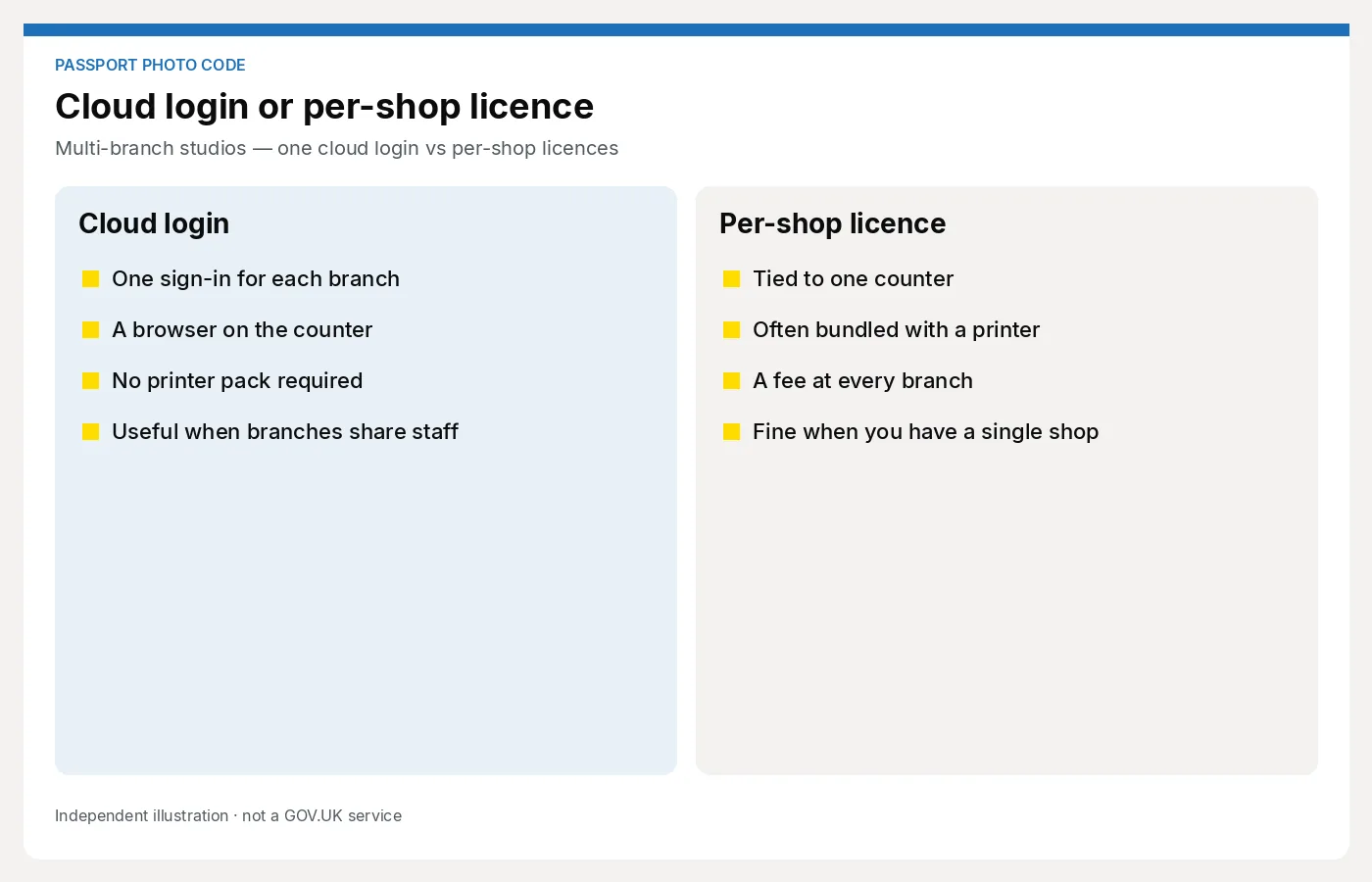
The usual pattern: each branch buys its own annual code allowance, or its own desktop seat, often tied to a printer or a PC in the back.
What that gets you:
- Local habit — “this is how this shop does it”
- A cost you can put on that branch’s P&L
- Hardware lock-in per site if the pack only talks to one printer line
What it costs you:
- Unused allowance in the quiet branch while the busy one runs out
- Two renewal dates, two dealer conversations
- Training that does not travel — a locum who worked Monday in Shop A is lost on Tuesday in Shop B
- A second install when a PC dies
Work the quiet branch through the licence cost calculator. A 5,000-code pack in a shop that does 400 passport jobs is a donation to the dealer.
Shared cloud workspace
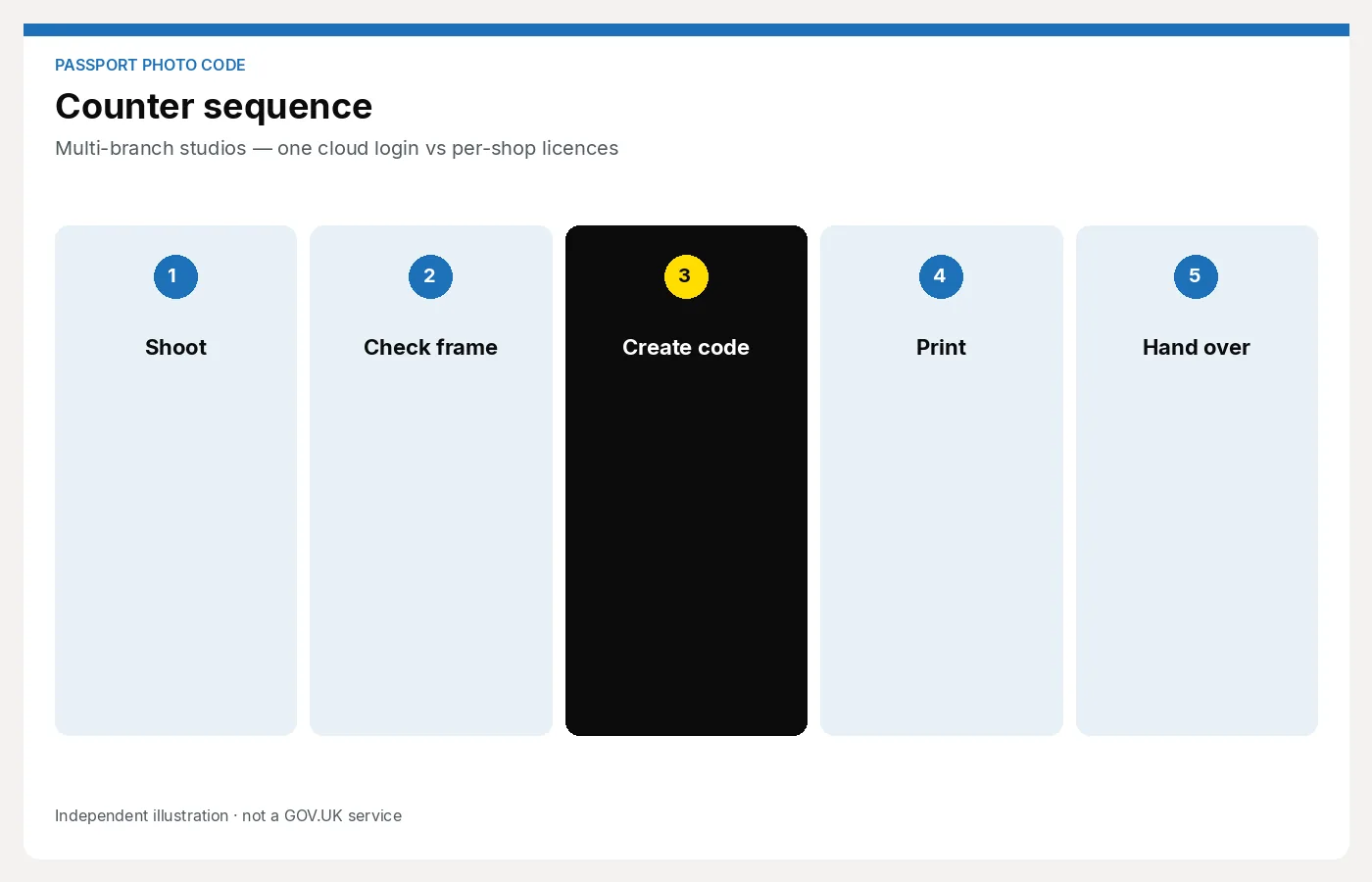
The other pattern: one browser workspace, staff log in at whichever till is open, same script, same handoff.
Passport Photo Studio is built for that. You are not installing a pack on each dye-sub. You are opening a page. Multi-location is a plan conversation — contact for current studio pricing — not a second crate of hardware.
Strengths:
- The same checklist and receipt fields in every branch
- Cover staff trained once
- You issue codes where the customers are, not where the unused allowance sits
- A failed PC is a spare laptop, not a dead licence
Limits:
- You still need a backdrop and a camera at each site
- Someone must own access (who can invite a locum, who can revoke it)
- If the internet is down, you need a spoken fallback: prints only, or try again when the line is back — say it before you start the shoot
Roll out with a pilot
Do not flip six shops on a Friday.
- Pick one branch that already does prints and will actually use a code this month.
- Time five jobs. Script, written code, prints. If it is messy, fix the checklist — do not add shops.
- Write the local rules: price card, who can refund, what to do when a code fails (shop playbook).
- Train cover from branch two at branch one so the lesson travels.
- Add the next shop only when the first can run a Saturday without the owner.
GDPR and access belong in the same rollout: who can see yesterday’s jobs, how long you keep a face file. See GDPR basics for shops.
A simple choice
- Stay on per-shop packs if each branch already has the printer, will use the allowance, and you do not want to change this season.
- Move to a shared workspace if unused codes, locum training or a second till are the actual problem.
Many groups are mixed for a year: the flagship keeps a pack; the chemist-format branch tries the browser. That is fine if staff know which shop uses which path.
Next step
Pilot one counter in the studio workspace, then ask us about Multi-location: For photo studios.