GDPR basics for passport photo shops
Practical GDPR rules for UK photo shops that take passport portraits and issue Photo Codes — lawful basis, retention, codes as credentials, and staff access.
A passport portrait is a photograph of an identifiable person. Treat it as personal data, not as leftover paper in a drawer. This is a practical shop list, not a law lecture and not ICO advice tailored to your business. If you are a group or you keep images for months, get proper advice.
Passport Photo Code is an independent service, not a public authority. We cannot guarantee HM Passport Office acceptance, and we are not your Data Protection Officer.
Practical rules
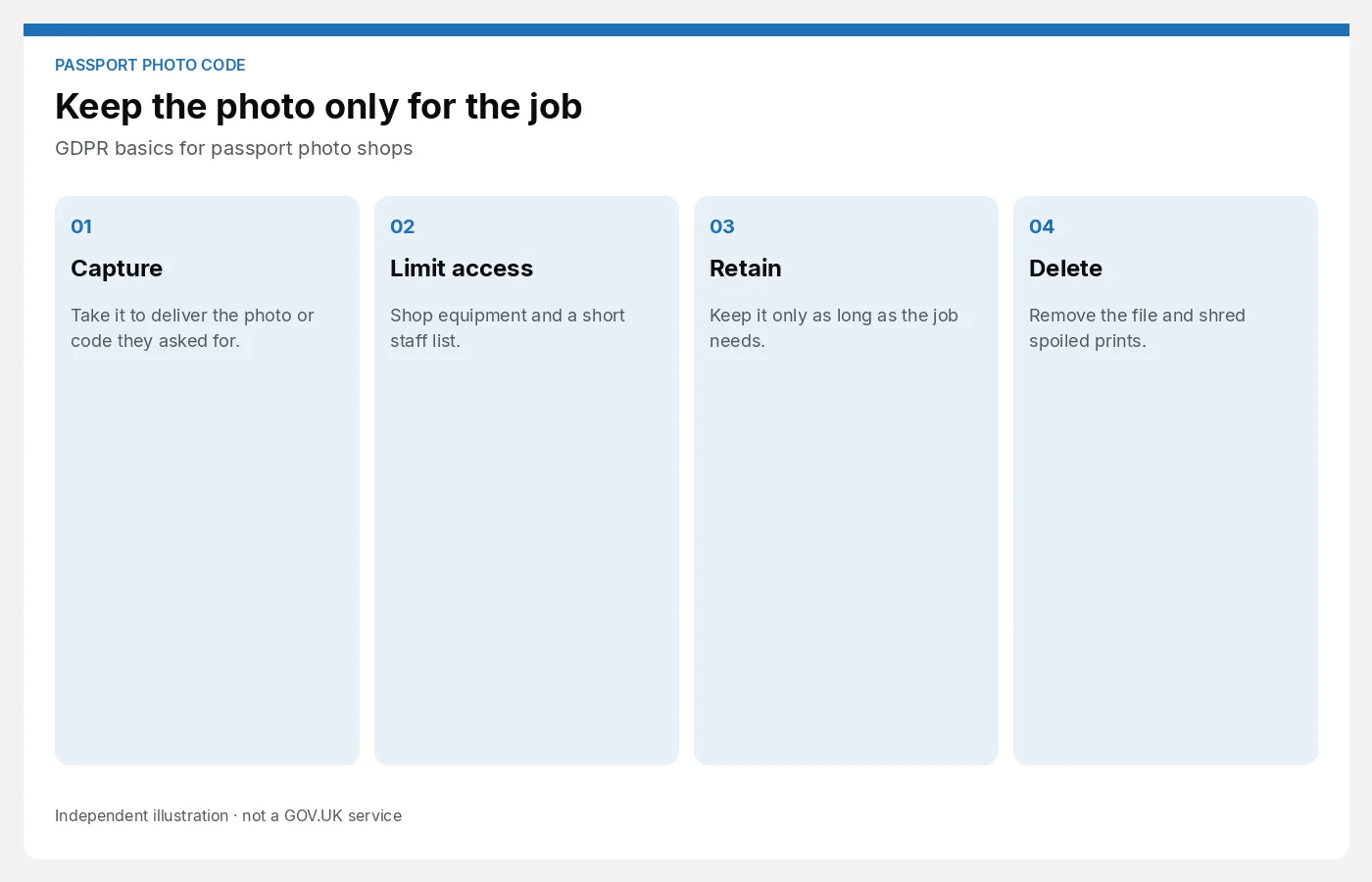
- Know why you are taking the picture. You need it to deliver the photo and, if they asked, a Photo Code. That is a service they requested. Do not use the sitting for a marketing poster without a clear, separate yes.
- Take what you need. Two or three frames is a job. Twenty “just in case” on a shared camera roll is a stash.
- Do not put faces on the shop Instagram unless the customer agreed in a way you can explain later. A till joke is not consent.
- Lock the camera and the till. Phones used for capture should not auto-backup every face to a personal iCloud. Shop equipment, shop account.
- Access is a list, not a vibe. Who can open yesterday’s jobs? Locums included? Remove people who have left. Multi-branch: one login pattern versus a pack per shop.
- Keep it only as long as the job needs. If you cannot re-issue a code after a week, say so on the slip. If you can re-issue, you are choosing to keep a face file — write that retention down and stick to it. Delete from cards, WhatsApp and “temp” folders, not only from the printer queue.
- A print in the bin is still a face. Shred spoiled sheets. Do not use rejects as scrap paper on the counter.
- If someone asks what you hold, have a way to answer. “We only have today’s job” is only true if it is true.
UK GDPR and the Data Protection Act sit behind these habits. The ICO publishes guides for small retailers; use those for the legal wording. This page is operations.
Codes are credentials
A Photo Code points at a digital image. Treat it like a reference that can fetch a face:
- Write it on their receipt, not on a sticky note on the monitor
- Do not read codes aloud into a quiet shop if others can hear the whole string and see the screen
- Do not email a code to the wrong address “to be helpful”
- Do not keep a paper day-book of codes next to the till overnight
- If you show a manager a problem job, crop or minimise other customers in the same queue
If a code is lost, follow a rule: verify they were the customer, then re-issue or rewrite under your retention policy. Do not hand a code to “my husband will pick it up” without a check you would use for a passport collection.
More on the slip itself: what to print on the receipt.
Processors and “the cloud”
If a browser workspace or a dealer cloud holds the image, you still have a shop-side job: choose a supplier, read what they retain, and do not copy the file into a third place “for backup.” Ask how long a job lives and who can see it.
Passport Photo Studio is the counter workspace we offer. Questions about how we handle studio data: email [email protected]. Do not put customer photos in that email unless we have asked you to.
What staff should say
“We use the photo to prepare your prints and Photo Code. We don’t post it, and we don’t keep it longer than we need to finish the job.”
If they ask for a copy of “everything you have on me,” do not invent a process at the till. Take a name and email the manager. Do not refuse as a joke.
Next step
A short retention rule and a single workspace beat a camera roll full of faces. For the counter path: For photo studios. For data questions: [email protected].