Photo Code on the receipt: what to print for customers
What UK photo shops should print or write when handing over a passport Photo Code — the list, what to avoid, and a read-aloud check.
Most “the code didn’t work” calls are a handoff problem: the customer photographed a glare on the monitor, swapped 0 and O, or lost a text message. Print (or write) a short, boring slip. This is for shop staff, not applicants doing a DIY code at home.
You are an independent photo business. The slip is not a government form and not an acceptance.
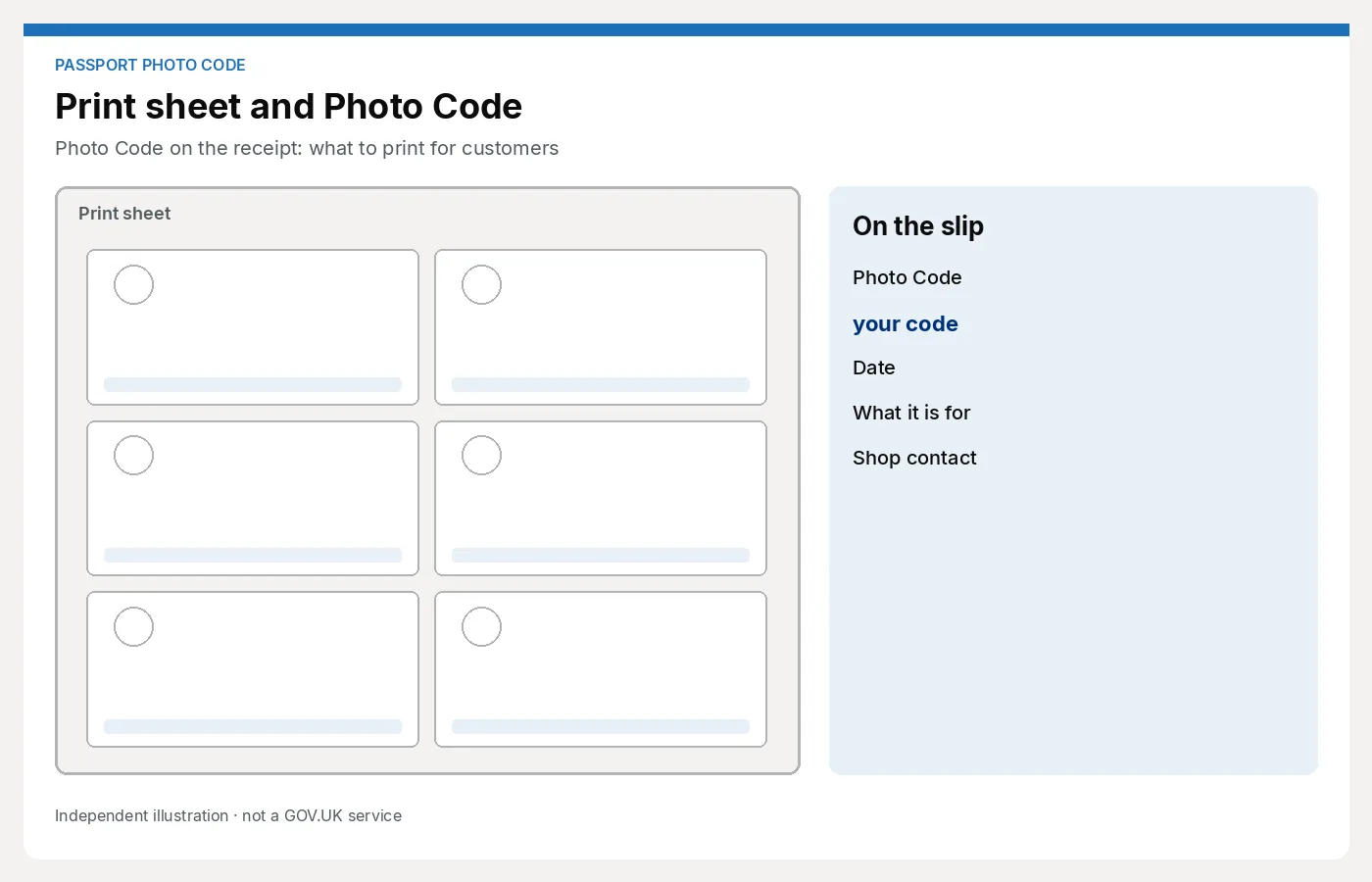
Print or write this
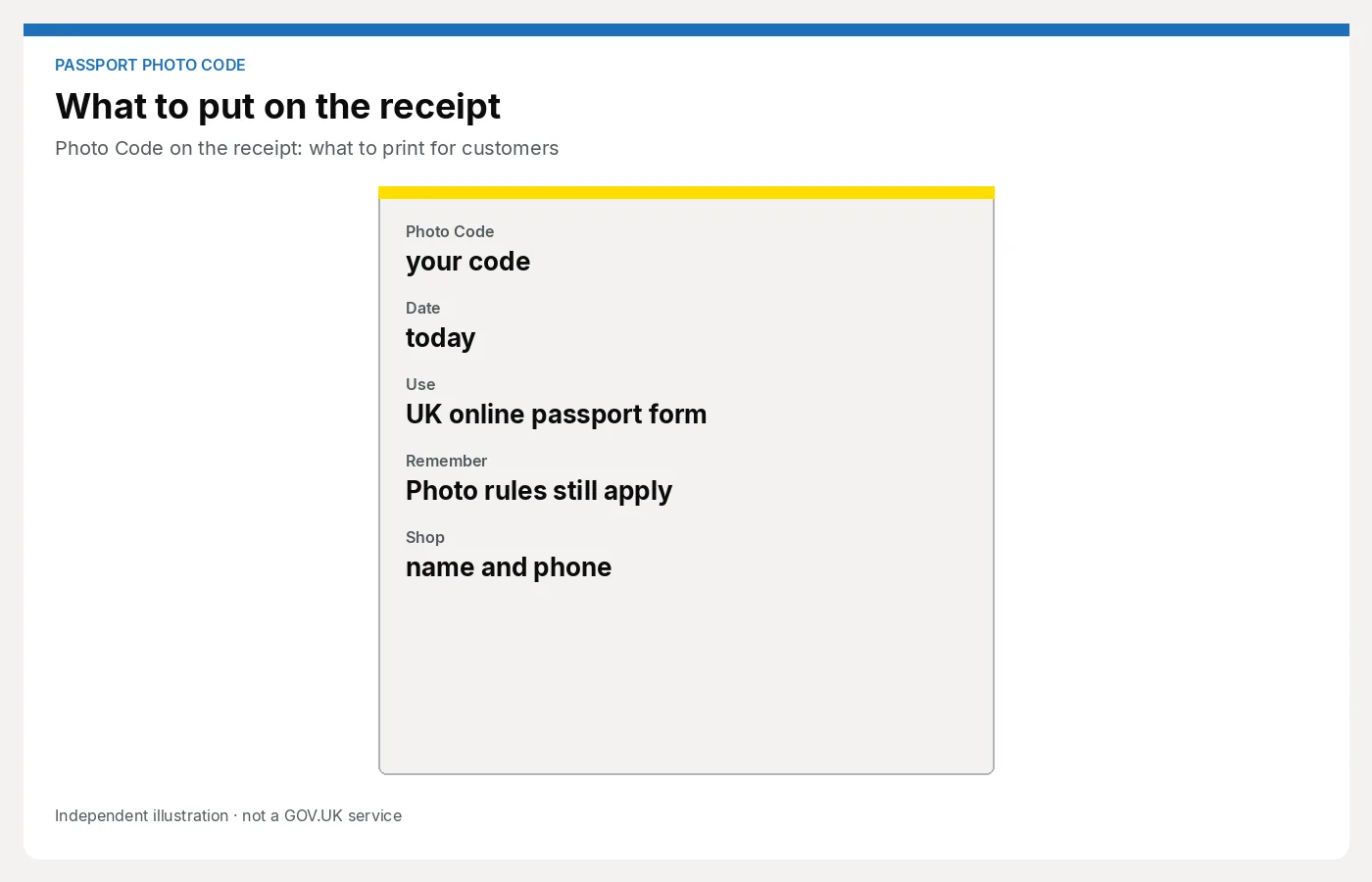
On the receipt, card or printed slip — same fields every time:
- The Photo Code — large, in a monospaced or clearly separated style. Avoid fancy script fonts.
- Today’s date and, if you have it, an expiry or “use by” reminder that matches your process (codes are not a forever login).
- What it is for — one line: “Type this on the UK online passport form to fetch your photo.”
- What it is not — one line: “This is not approval. HM Passport Office still checks the photo.”
- Shop name and phone / email — so they call you, not a booth down the road, if they cannot read a character.
- Package bought — “UK prints + Photo Code” or “prints only”, so a reprint argument has a paper trail.
If you email as well, send the same fields. Do not email a code and skip the paper when they asked for a slip in the bag.
Avoid
- A screenshot of the whole workspace window (crop, UI chrome, other customers’ data)
- QR codes instead of the typed code unless you have tested that the form still wants the characters
- “Official GOV.UK code”, crests, or crowns
- “Guaranteed accepted” or “HMPO approved”
- Handwriting so small they need a jeweller’s loupe
- Ambiguous lookalikes without a read-aloud: 0/O, 1/I/l, 8/B
Do not print another customer’s code on the back of a reused card.
Read-aloud tip
Before they leave, read the code once while they look at the slip:
“That’s zero, not O — one, not I.”
Watch them nod at the slip, not at your screen. If they are in a hurry, still point at each character group. This ten seconds prevents the Saturday “it says not found” call more often than another software setting.
If they want to photograph the monitor anyway, let them — and give the slip. Two copies beat a shiny reflection.
If they come back
- Cannot read a character: look up the job if you still can; re-issue or rewrite. Do not guess.
- Form will not accept the code: use the shop playbook. Do not send them to the free personal tool on this site as a “fix.”
- Lost the slip: if your process allows a reprint of the reference, do it as a service recovery; if it does not, say so once and offer a new sitting at the current package price.
Next step
A clear slip is only useful if the workspace makes the code easy to copy. Keep the job in the studio path: For photo studios.