Pharmacy and retail counters — passport photos with digital codes
How UK pharmacy and retail photo counters can add passport Photo Codes without turning the shop into a full studio.
Pharmacy and retail photo counters already sell passport prints between prescriptions, greeting cards and phone top-ups. Customers now ask for a Photo Code as well. You can add that without a booth, a studio hire or a dedicated photographer on every shift.
This is for counter managers and franchisees. You are not GOV.UK. HM Passport Office still decides whether a photo is accepted. Do not put “official passport office” on the window.
What “good enough” looks like in a shop aisle
You are not competing with a high-end portrait studio. You are competing with a booth and with the next chemist. Good enough means:
- A plain, light backdrop that stays up and stays clean
- Light that does not leave a shadow of the customer’s head on the wall
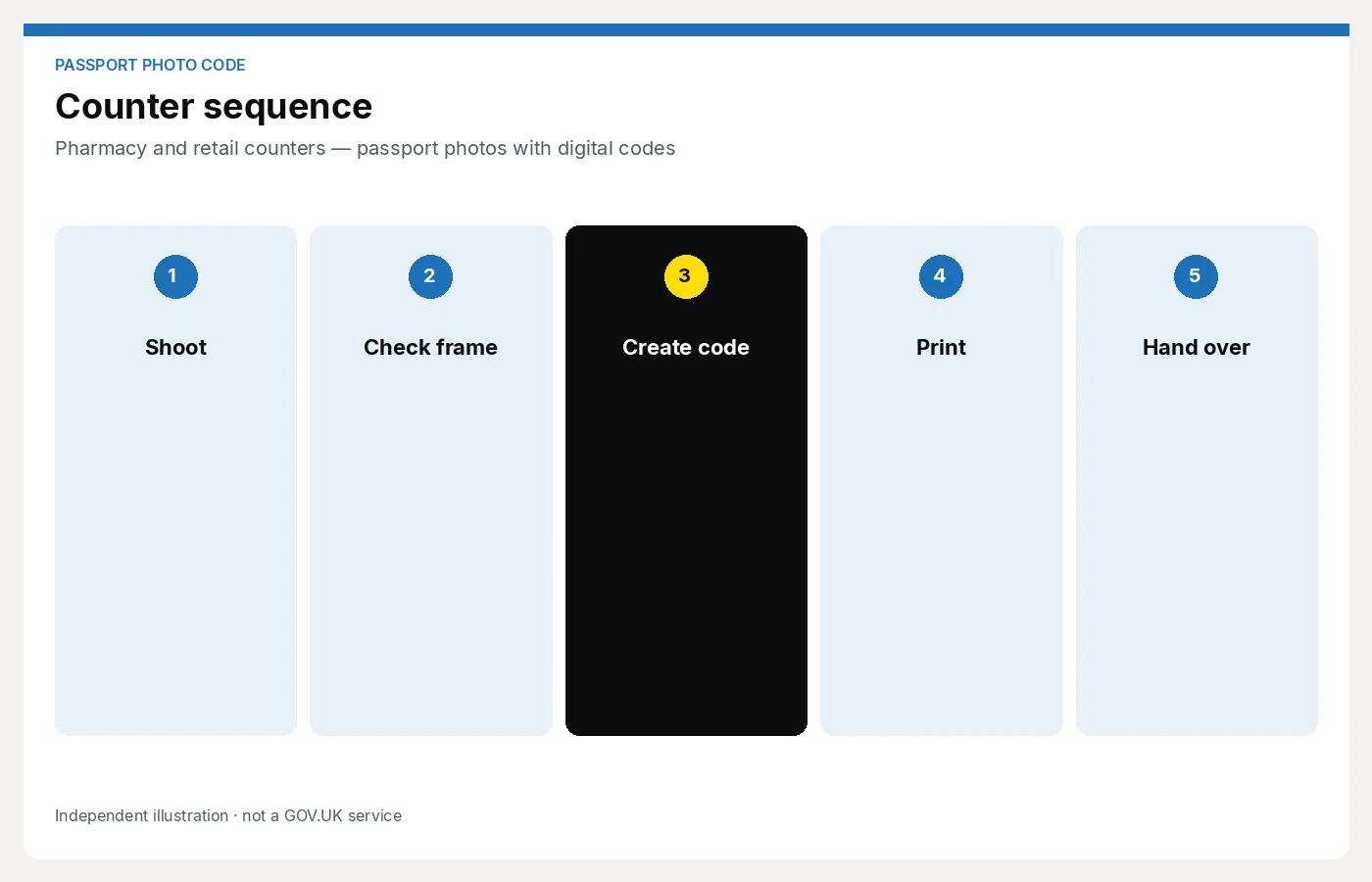
- A staff member who can shoot, check, issue a code and take payment in a few minutes
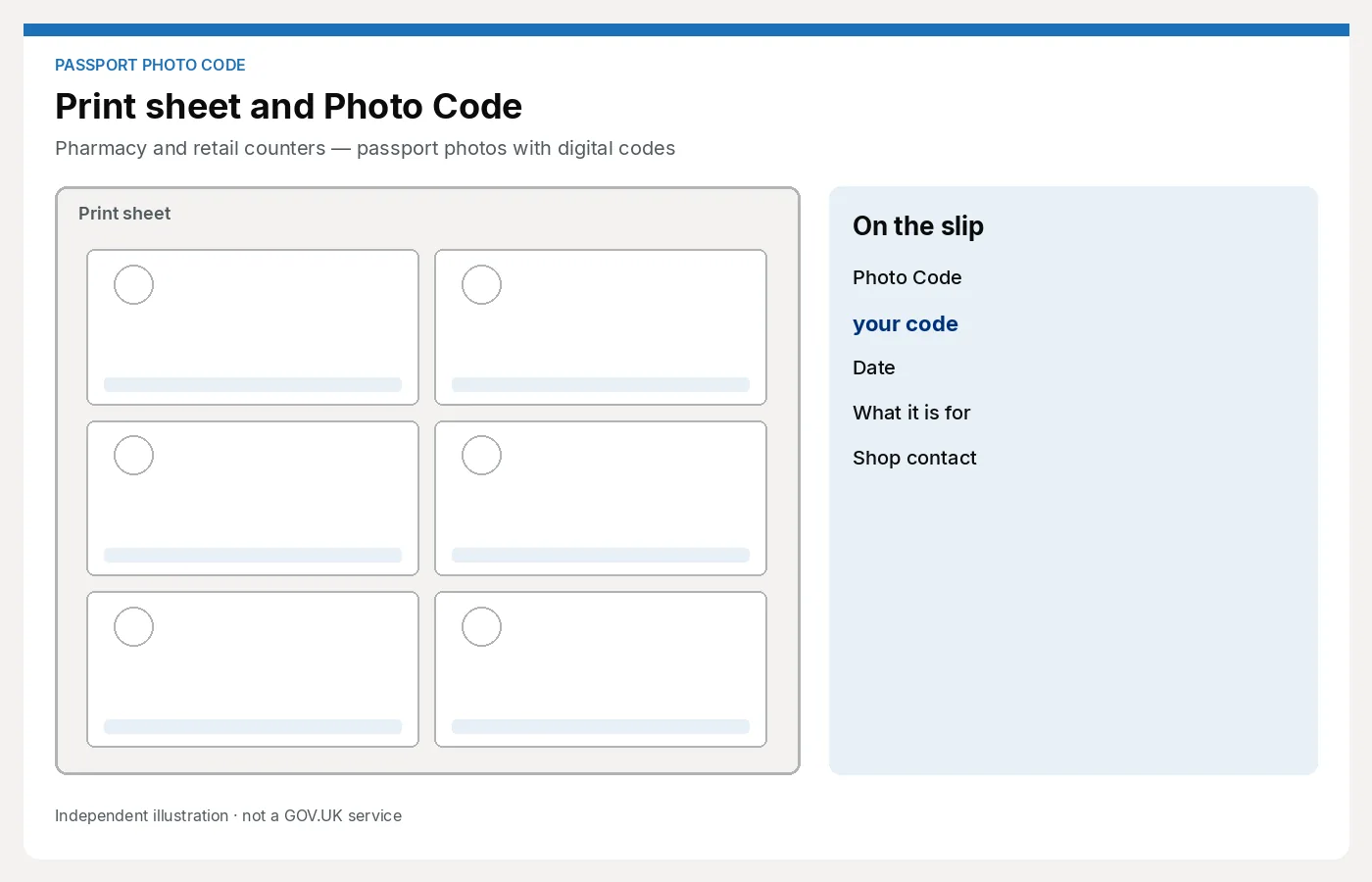
- A written code and a print sheet in the bag
That is a corner of the shop, not a refit. If you cannot spare a metre of wall, a fold-down backdrop behind the till still beats sending people down the road.
Fit it around the real queue
Passport photos are interrupt-driven. A parent will ask while you are labelling a prescription. Design for that:
- A laminated price card so you do not negotiate while the queue watches
- A one-page checklist — use shoot → code → print
- One software path that locums can open without a Windows course
- A rule for when to say “I can do this in five minutes” versus “come back at 3pm when it is quieter”
Baby photos are the jobs that overrun. Book them, or take them at a posted time, rather than starting a wriggly shoot in front of a prescription queue.
Do not install a booth by default
A booth feels like the “retail” answer. It also occupies promotional space, needs emptying and servicing, and produces photos nobody on staff has looked at. If your brand is “we’ll check it with you,” a booth fights that.
You can offer codes without a booth. The no-booth guide covers capture and messaging. For a pharmacy, the usual setup is a marked spot on the floor, a pop-up background, and a phone or compact camera that lives in a drawer.
Software that matches a retail till
Retail staff change. The software cannot be a specialist’s PC in the back office.
Look for:
- Browser-based, so any counter computer or tablet can do the job
- No annual printer pack required just to try
- Code + print sheet together
- A clear difference from any consumer “create your own code” website (customers will otherwise do it on their phone in the shop and still expect you to print)
Passport Photo Studio is aimed at that shop workflow. It is separate from the free personal tool on this site. If a colleague opens the wrong one, they will not have a proper customer handoff.
Compare packs and desktop tools only if you already own that hardware — DNP-style licence vs cloud.
Pricing in a pharmacy context
Staffed high-street counters often sit around £12–16 for a UK set. Booths sit lower. You can include the code in the staffed price rather than adding 50p and sounding uncertain.
A simple menu:
- UK prints + Photo Code (default)
- Prints only
- Child / baby (same outcome, more time)
Write it on the photo display, not only in a manager’s notebook. More on packages: what to charge.
What staff should say (and not say)
Say:
“We’ll take the photo here, give you a Photo Code for the online passport form, and prints if you want them. The code is how the picture gets onto the application. The Passport Office still checks it.”
Do not say:
- “It’s a government code”
- “This means it will be accepted”
- “We’re part of GOV.UK”
- “Just use the free website” (that is a different product, and you will not get paid)
If HMPO later asks for a new photo, handle it as you already handle print complaints: reshoot if your photo was poor; explain the rules if the customer wore sunglasses against advice.
Compliance without a studio manager
Retail cannot rely on one trained photographer. Reduce variation:
- Same backdrop, same floor marks, same two lights (or the same window + bounce)
- Same checklist on the wall
- Same sentence about HMPO
- Same place the code is written (receipt template or card)
Weekly, a manager should look at three recent jobs. If glasses glare keeps appearing, that is a lighting note, not a software complaint.
When to send someone elsewhere
It is better to decline than to issue a bad code:
- You cannot get a plain background today (display stock piled against the wall)
- The only colleague who knows the software has gone home
- The customer needs a complex foreign visa crop you do not offer
Say so, sell nothing, and keep the next person’s job clean. A rejected photo attached to your shop name does more harm than a polite “we can’t do that this afternoon.”
Next step
If your counter already does prints and you want codes without a booth or a DNP pack, start here: For photo studios.