DNP ePassport licence vs cloud Photo Code software
Compare DNP-style UK ePassport code packs with browser-based Photo Code software for studios — cost structure, hardware lock-in, and who each option suits.
UK photo shops that already sell prints now get a second question at the counter: “Can you give me a Photo Code as well?” There are three common ways to say yes. This comparison is for owners and managers choosing a stack — not for applicants taking a photo at home.
Passport Photo Code is an independent photo preparation service. It is not affiliated with GOV.UK or HM Passport Office, and no software path can guarantee HMPO acceptance.
The three options in plain terms
Most studios land in one of these:
- DNP-style ePassport licence packs — an annual allowance of Photo Codes, usually sold through a dealer and used with a compatible printer workflow.
- Desktop ID software plus a cloud add-on — installed Windows software that covers many countries, with Photo Codes as one feature among many.
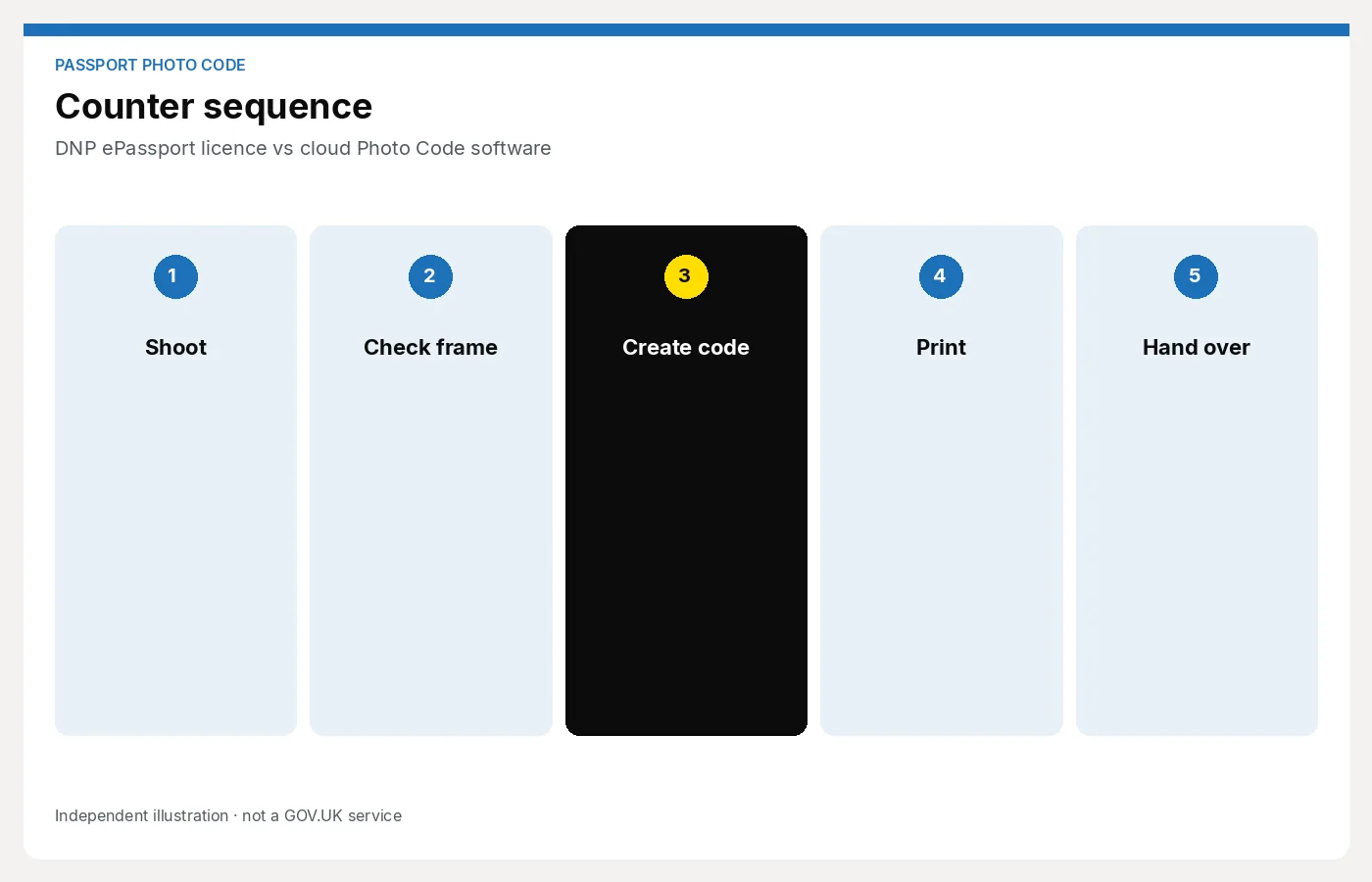
- A browser studio workspace — staff open a web page, prepare the UK digital photo, issue a code and (if needed) a print sheet. No desktop install and no printer pack required to start.
None of these makes you a government supplier. All of them are tools for preparing a photo that HMPO will still judge.
DNP-style annual packs
A typical pack is an annual allowance: you pay once for a year of codes, then use them as customers arrive. Dealer list examples at the time of writing have sat around £150 for 1,500 codes and £260 for 5,000 codes. Those figures are illustrative only — they change, and you should check the live dealer page before you budget.
What that structure means in the shop:
- Unit cost falls if you use the pack. 5,000 codes at ~£260 is a few pence each. 1,500 at ~£150 is still cheap per code if you actually issue them.
- Unit cost rises if you under-use it. A quiet high street or a seasonal chemist that only does a few hundred passport photos a year is paying for unused allowance.
- Hardware sits on top. The pack is usually part of a printer ecosystem. You need the compatible printer, media, and a staff member who knows that workflow. Replacing a failed printer is not a five-minute job.
- Renewal is a calendar event. Miss the window and you can be stuck mid-season without a code path.
Packs suit a busy counter that already owns the hardware and will burn through the allowance. They suit less well if you want to trial Photo Codes, run a second till, or avoid tying the service to one manufacturer.
Desktop ID software plus cloud
Desktop packages are the traditional “we do every ID photo” answer. You install on a PC, train staff on menus, and often pay a yearly support or cloud fee to issue UK Photo Codes.
Strengths:
- Broad multi-country coverage if you already serve visa, driving licence and foreign passport work
- Familiar to long-standing studios that have used the same PC for years
- Fine-grained control over print layouts once someone knows the software
Costs that do not show on the box:
- Install and Windows upkeep — updates, drivers, a dedicated machine that cannot wander off to the back office
- Training overhead — a Saturday cover person will not pick it up from a sticky note
- Renewals — the cloud/code feature is often a separate line, so the “we already paid for the software” feeling fades
- Single-seat friction — a second counter usually means another licence or a shared PC that becomes a queue
If Photo Codes are a small add-on to a large ID business, desktop software can still be the right fit. If your main job is UK passport prints plus a digital code, it is more kit than the job needs.
Browser studio workspace
A browser workspace is the opposite bet: no install, no printer pack to start, staff learn it in minutes.
Passport Photo Studio is built for that pattern. Counter staff upload or capture the portrait, run checks against the UK digital passport specification, then hand over a Photo Code and a print sheet. It is a studio customer path, not the free personal DIY tool on this site.
What that changes operationally:
- You can try it on the till you already have — a laptop or counter PC with a browser
- You are not waiting on a dealer to ship a pack or a dongle
- Onboarding a new colleague is a short script, not a software course
- Prints remain available; you are not forced into “digital only”
The trade-off is focus. A browser UK workspace will not replace a full multi-country desktop suite. If you need fifty document types and custom visa crops every day, keep the desktop tool for that work and use a browser path for UK passport codes — or stay on one stack if that is simpler for staff.
A side-by-side view
| DNP-style pack | Desktop ID + cloud | Browser workspace | |
|---|---|---|---|
| How you pay | Annual allowance; hardware extra | Install + yearly support/cloud | Workspace / trial; no pack to start |
| Hardware lock-in | High — printer ecosystem | Medium — dedicated PC | Low — any modern browser |
| Staff time to learn | Workflow + printer habits | Longest | Shortest |
| Best when | High, predictable UK volume on existing kit | Multi-country ID is the business | You want codes + prints without a pack |
| Risk if quiet | Unused codes still cost | Licence sits unused | You simply issue fewer jobs |
Prices and pack sizes move. Treat any dealer figure as a starting point and confirm it yourself.
Decision questions
Before you renew a pack or buy another desktop seat, walk the counter with these:
- What stack do we already have? If a compatible printer is paid for and busy, a pack can still be rational. If the printer is the reason you have not offered codes, do not buy more of the same problem.
- What is our real UK passport volume? Count last year’s jobs, not the peak Saturday. Under-used allowances are how “cheap per code” becomes expensive per year.
- Who will be on the till? If Saturday staff and locums need to issue codes, learnability matters more than feature depth.
- Do we need prints and a code in one visit? Most walk-ins do. Any option that makes prints an afterthought will create a second queue.
- Are we promising the wrong thing? No pack, desktop licence or browser tool is GOV.UK. Staff should say the code submits the photo; HMPO still decides.
Who each option suits
- Keep a DNP-style pack if you already run that printer daily, you will use the allowance, and you do not want to change muscle memory.
- Keep desktop ID software if international documents are a core offer and one trained operator owns that PC.
- Try a browser workspace if you want to add UK Photo Codes without a new printer, a new annual pack, or a training weekend.
Many independents are in the third group: they already take a decent portrait, they already print, and they only lacked a code path that was not tied to hardware.
A note on “cloud” as a marketing word
Dealers and software vendors all say cloud. The useful distinction is what you are locked to:
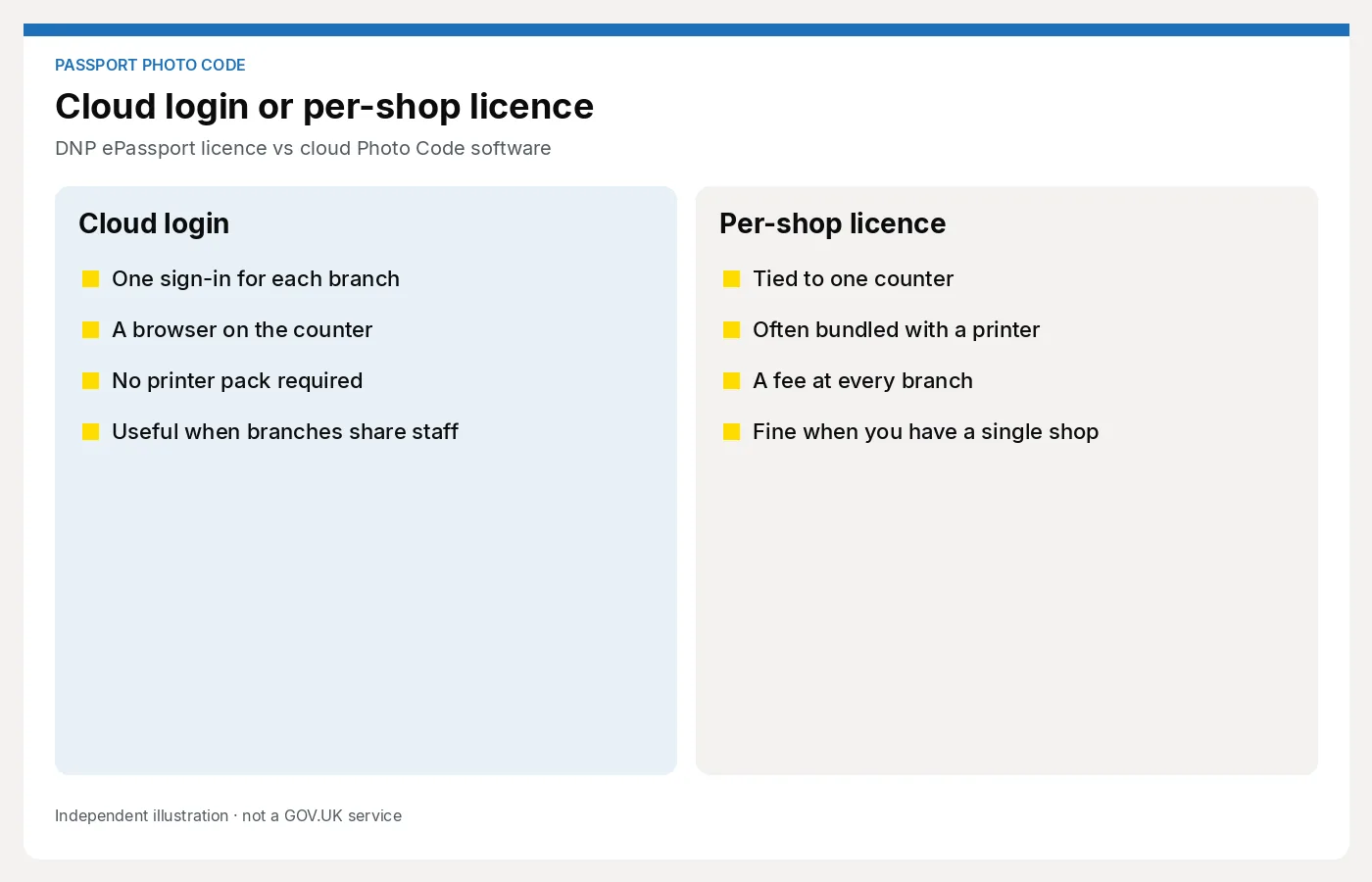
- A pack that only works with one printer line
- A desktop licence that only runs on one machine
- A browser workspace you can open on the next laptop if the first one fails
Reliability still matters. A browser tool that is down on a Saturday is as useless as a printer without media. Ask how you recover a half-finished job, and keep a written code handoff so a crashed tab does not lose the customer’s reference.
Next step
If you want to compare a browser trial against a pack renewal, start with the studio page rather than the personal photo tool: For photo studios.