How to train seasonal staff on passport Photo Codes
A 45-minute plan for training Saturday cover and holiday staff to issue UK passport Photo Codes — pass/fail checks and a simple counter toolkit.
Holiday cover does not need a photography diploma. They need one path, one script and a way to fail a job safely. This plan is for owners who put a new person on the till before Saturday.
You are an independent shop. You are not GOV.UK. A Photo Code is not a promise that HM Passport Office will accept the picture.
Keep the tools simple
Train one workspace. Do not show the free personal Photo Code tool on this site — that path is for people preparing their own application. Studio jobs belong in Passport Photo Studio (or your existing shop stack, if you already have one).
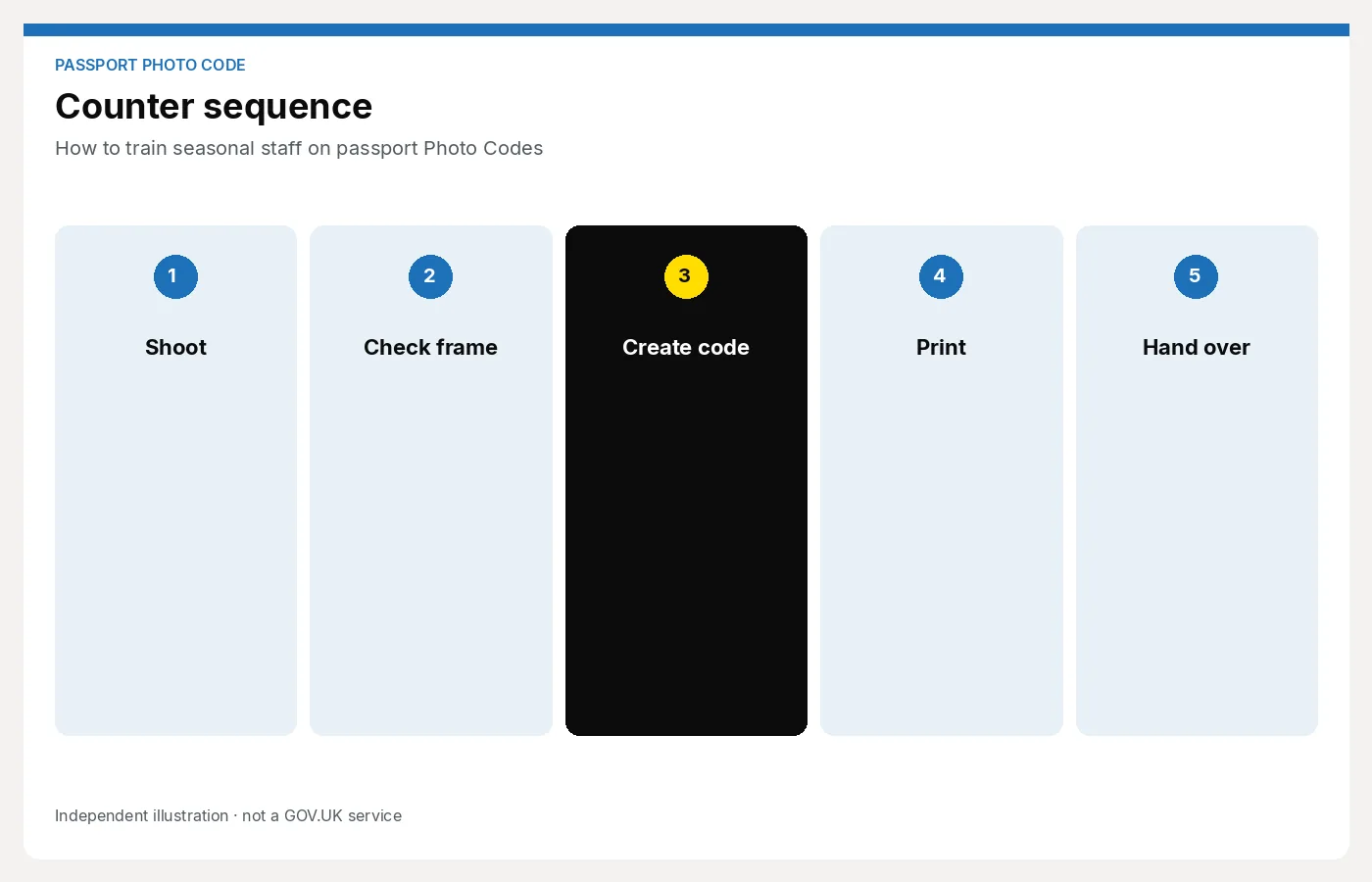
Pin the shoot → code → print checklist by the camera. If the locum has to hunt a manager’s notebook, the job will overrun.
45-minute plan
0–10 min — Watch one real job. You shoot, they watch. Say the package price, take two or three frames, prepare the file, issue the code, write it down, take payment. Do not narrate theory.
10–25 min — They run a dummy. Use a colleague as the sitter. They must:
- Quote the UK prints + code price from the card
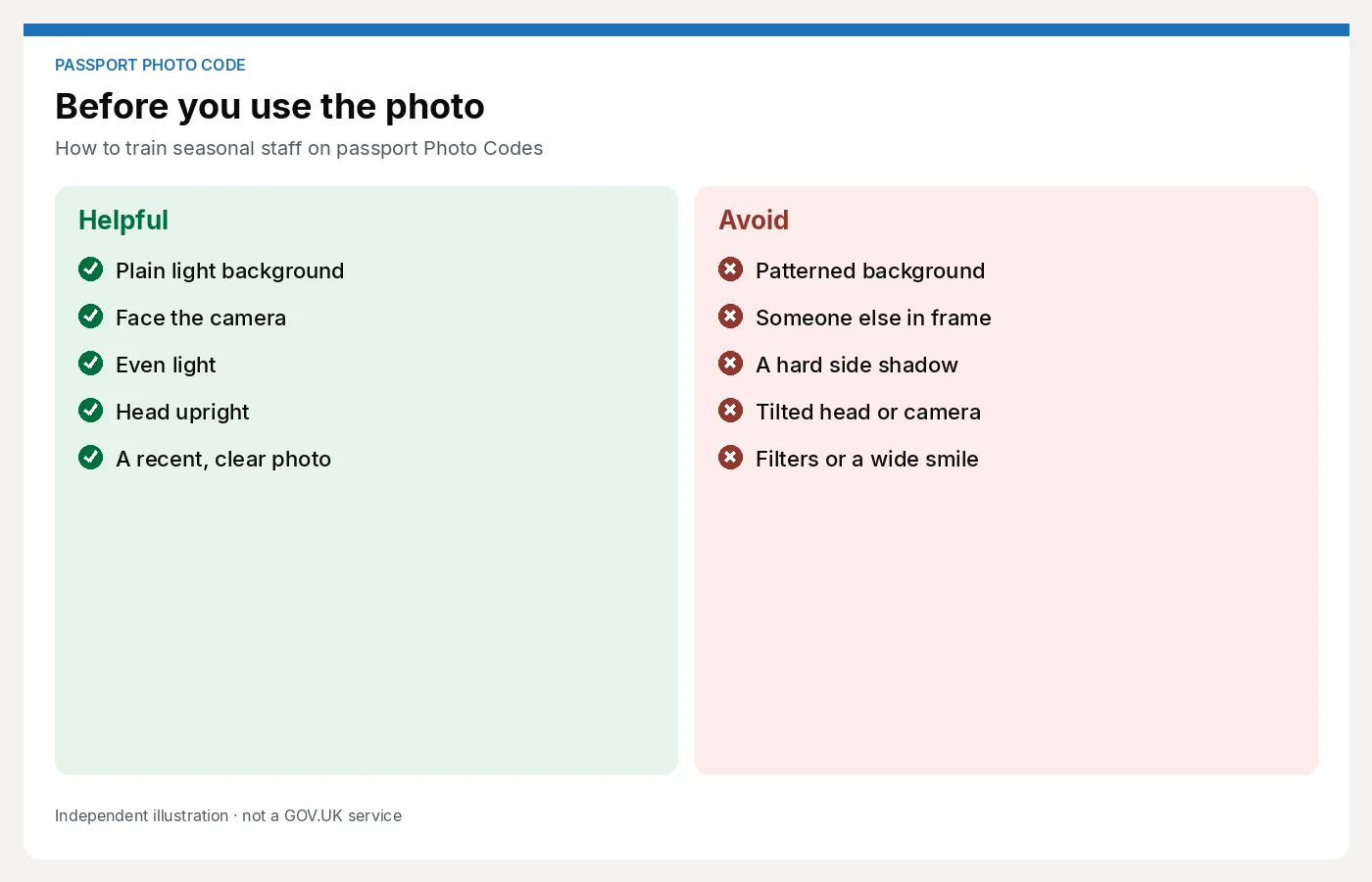
- Check glasses glare and the backdrop
- Shoot, pick a sharp frame, run your usual checks
- Generate a code only when they would put their name to the photo
- Read the code back (0 vs O, 1 vs I) and write it on a receipt
- Say the one sentence: the code fetches the photo; HMPO still decides
25–35 min — Failures. Walk through: glare, shadow on the wall, baby wriggle, customer asking for a “guarantee”, wrong website opened. They practise the decline: “I can’t issue a code on this photo; we reshoot or we sell prints only.”
35–45 min — Pass/fail. They run a second dummy without you prompting. You only interrupt if they are about to issue a bad code or promise acceptance.
Pass / fail
Pass if they can do all of this without notes beyond the wall checklist:
- Open the studio workspace, not a consumer page
- Refuse a photo they would not stand behind
- Write the code so someone else can type it later
- Avoid the words “official”, “government approved” and “guaranteed”
Fail (stay with a trained colleague) if they:
- Skip the price until after the shoot
- Issue a code on a glaring or shadowed frame “to save time”
- Tell the sitter the code means the photo will go through
- Cannot find the receipt template or the price card
A fail is not a firing. It is another 20 minutes tomorrow, not an unsupervised Saturday.
What not to add to the lesson
- Multi-country visa crops, unless that person will actually sell them this week
- Dealer pack administration and renewal dates
- Long HMPO rule essays — the checklist is enough for day one
- “Just send them to the free website if you’re stuck”
Seasonal staff drown in options. One package, one workspace, one handoff.
After they pass
Time one live job on a quiet morning. If it is still more than a few minutes, the delay is usually the script or the login, not the camera. Show them what to print on the receipt so Saturday phone calls do not start with “I can’t read the code.”
Next step
Give cover staff a workspace they can learn in this lesson, not a desktop course: For photo studios.