UK Passport Photo Code vs. Digital Photo Upload: A Practical Troubleshooting Guide
Struggling to decide between a UK passport photo code and a direct digital upload? This guide explains the technical differences, helps British expats navigate foreign photo booth issues, and provides specific fixes for common 'Poor' and 'Fair' results from the HMPO automated checker.
If you are currently completing a GOV.UK passport application, the photo stage is often where the process stalls. You have two choices: enter a UK passport photo code or upload a digital file from your device.
Data from HM Passport Office (HMPO) consistently shows that photo errors are the primary cause of application delays. Getting it wrong leads to more than just a rejected image; it can stall your application for weeks. This guide breaks down exactly which method you should use and how to fix the technical glitches that frequently trigger the system's automated warnings.
The Direct Answer: Code or Upload?
For most applicants, using a UK passport photo code is the more reliable option.
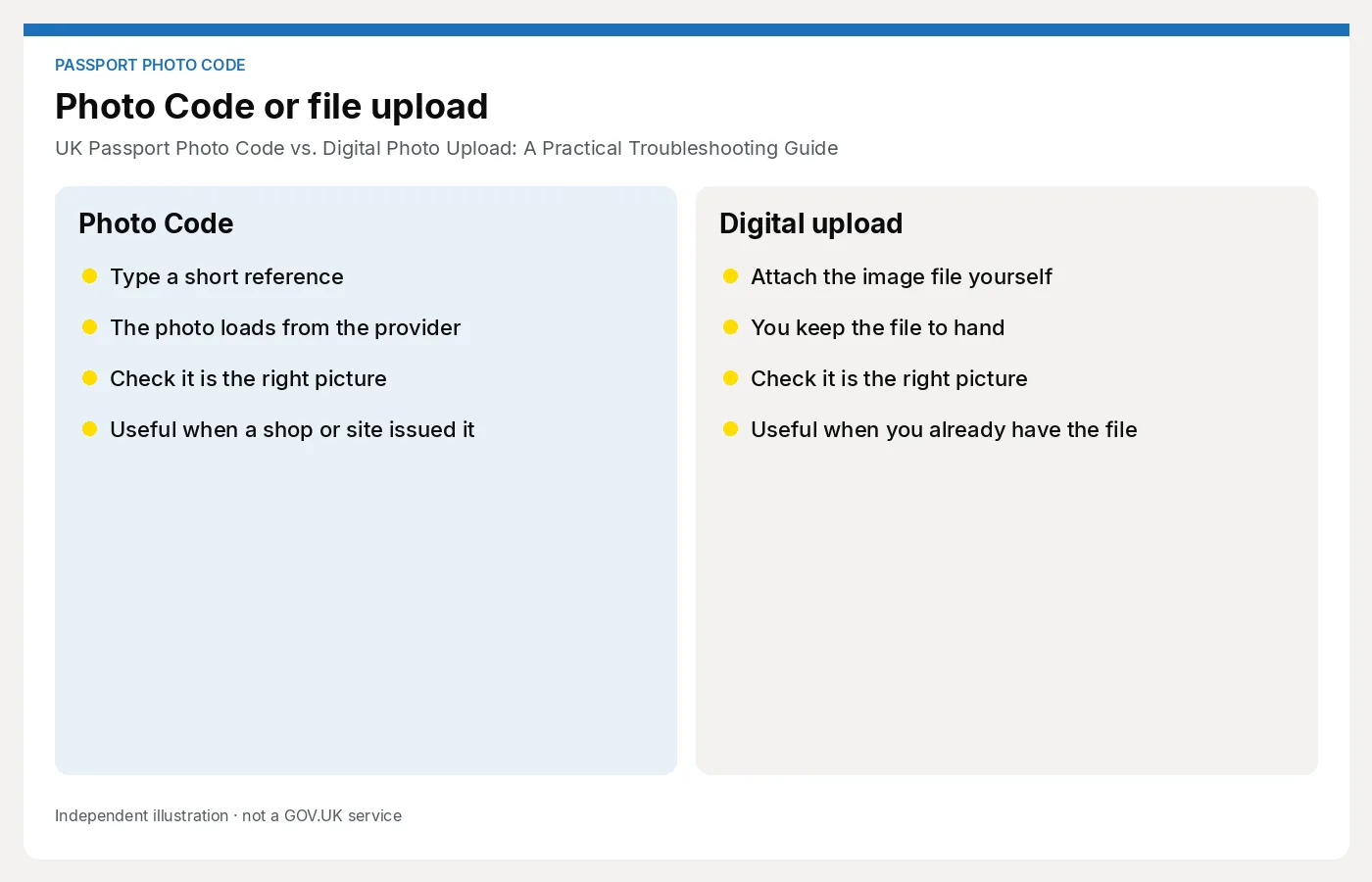
A Photo Code acts as a pre-validated link to your image. When you enter it into the GOV.UK site, the system retrieves a photo that has already been formatted to meet specific technical requirements regarding file size, background colour, and biometric alignment.
The Quick Comparison
| Feature | Passport Photo Code | Digital Photo Upload |
|---|---|---|
| Reliability | High (Pre-validated) | Medium (Manual checks) |
| Ease of Use | Simple (Enter 7-9 chars) | Complex (File resizing) |
| Best For | Most applicants & Expats | Experienced photographers |
| Cost | Usually included in service | Free (if DIY) |
- Use a Photo Code if: You want to avoid manually resizing images or checking technical metadata. It provides the highest chance of getting an immediate 'Good' result from the official GOV.UK automated checker.
- Use a Direct Upload if: You are an experienced photographer, you have a high-resolution camera, and you are comfortable ensuring the file meets exact pixel and Kilobyte (KB) specifications.
How the UK Passport Photo Code System Works
A Photo Code is an alphanumeric string generated when you use a compliant photo booth or an online service. Your image isn't stored on your device; it is hosted on a secure, HMPO-compatible server.
The digital 'handshake' with HMPO
When you submit your code, the HMPO application initiates a 'handshake' with the provider’s server. The server verifies the code and transfers the image directly into the application. This ensures the file arrives in the exact format required (usually a high-quality JPEG) without the compression issues that can occur when sending files via email or messaging apps.
Decision Matrix: Which Path is Right for You?
Scenario A: You're in the UK and near a high street
You can use a traditional photo booth, which will provide a printout with a code. This is a standard choice, but it can be expensive (typically £10–£15) and offers limited retakes. If the booth's lighting is poor, you might pay for a code that the system still marks as 'Fair' or 'Poor.'
Scenario B: You’re applying from abroad (The Expat Bridge)
This is a common pain point for British nationals overseas. Foreign photo booths (e.g., in the US, Australia, or Europe) do not generate UK-compatible Photo Codes.
If you are abroad, you have two options:
- Take a digital photo and upload it directly (though meeting the specs can be difficult without professional tools).
- Use an online service like Passport Photo Code. You can take a photo on your smartphone at home, and the service converts it into a genuine UK Photo Code that the GOV.UK system will recognise. This 'Expat Bridge' solves the problem of finding a UK-compliant booth in a foreign country.
Scenario C: You want to use your smartphone
Modern smartphone cameras are more than capable of taking a passport-grade photo. However, the automated checker is sensitive. If you take your own photo, using a digital code service is generally faster than trying to manually edit the file to meet the government's strict pixel and file size rules.
Troubleshooting: When your Passport Photo Code fails
Character confusion and typos
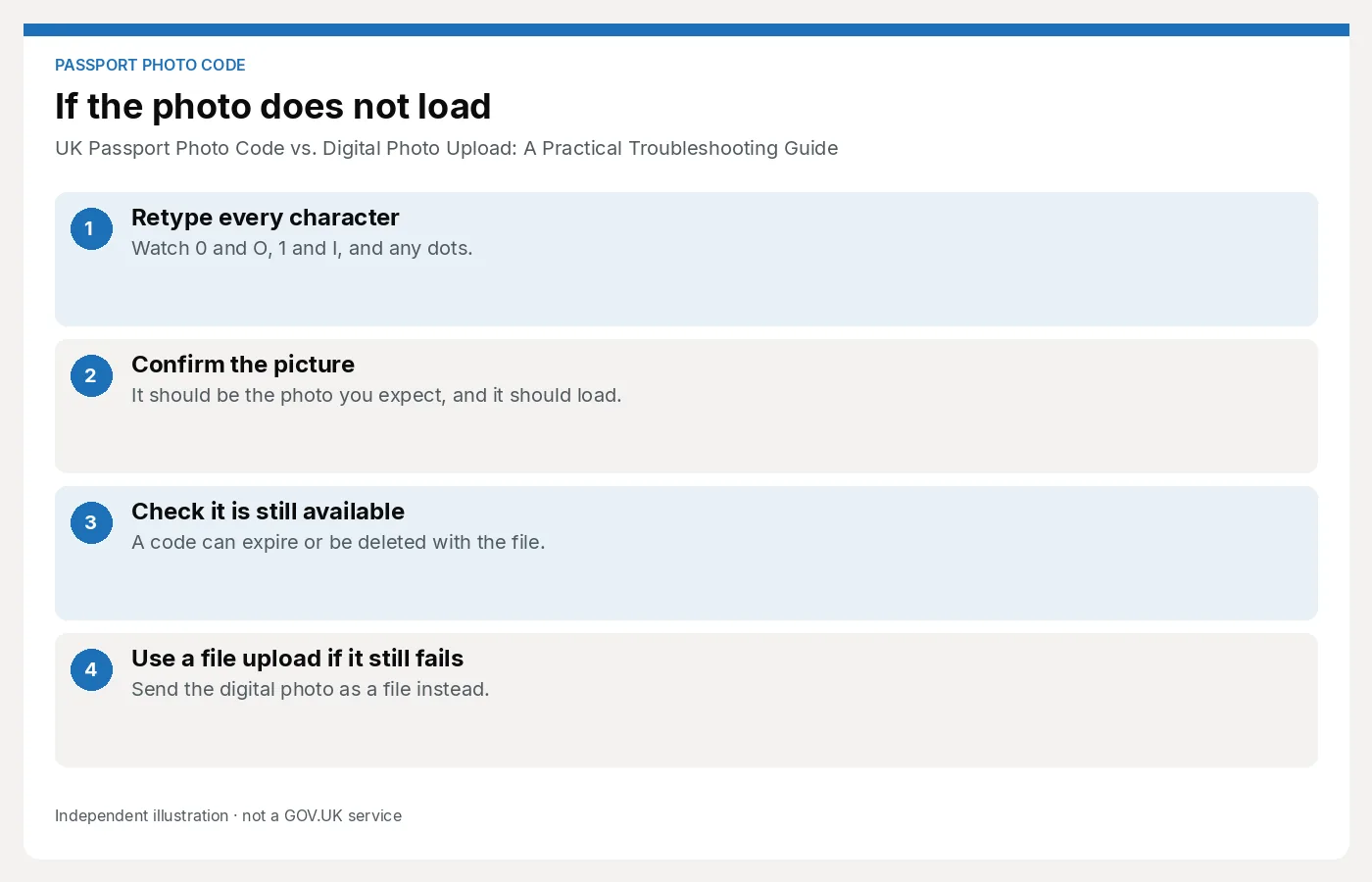
Before assuming the system is down, check for common character substitutions. The retrieval system often uses fonts where '0' (zero) and 'O' (the letter) look identical. Similarly, check for confusion between '1', lowercase 'l', and uppercase 'I'. Always try both variations if the first attempt fails.
The 'Code Not Recognised' error
If the code is typed correctly but isn't recognised, there may be a synchronisation lag. After generating a code, wait at least 15–30 minutes before entering it into the GOV.UK application portal. This gives the provider's database time to update and communicate with the government server.
Expiry and photo retention periods
Photo codes are temporary. For privacy and data protection reasons, most providers do not store biometric data indefinitely. At Passport Photo Code, photos are typically retained for only 48 hours to ensure your privacy. High-street booths may store them for up to 30 days. If you generated a code weeks ago, the file may have been deleted in accordance with GDPR storage limitation principles.
Interpreting the GOV.UK Automated Photo Checker
Once a photo is uploaded or retrieved via a code, the official site runs an automated biometric check.
What 'Fair' actually means for your application
A 'Fair' result does not mean your application will be rejected. It is a flag for human review. If the system says 'Fair' because of a 'dark background' or 'shadows on face,' but you can clearly see your features and the background is plain, you can usually select 'Submit anyway.' A human examiner at HMPO will make the final decision. They are often more lenient than the AI, provided the photo is a clear likeness.
Technical fixes for 'Poor' results
A 'Poor' result usually prevents you from proceeding. Fix the most common issues with these steps:
- Eliminate Shadows: Stand 50cm away from the wall to prevent your head from casting a shadow. Use natural light from a window rather than a harsh overhead light.
- Remove Glasses: Even if you wear them daily, HMPO recommends removing glasses if there is any glare. Glare is a frequent cause of 'Poor' results.
- Check the Crop: Ensure there is plenty of space around your head and shoulders. The system needs room to crop the photo automatically.
The Direct Upload Route: Technical Specs You Must Meet
If you choose to upload a file directly, ensure it meets these official requirements:
- Format: Only JPG or JPEG files. Many iPhones save images as HEIC files by default; these must be converted.
- Size: Between 50KB and 10MB.
- Dimensions: Minimum of 600 pixels wide and 750 pixels tall.
- Editing: Do not use software to remove backgrounds. The ICAO standards for passports require 'unprocessed' images. AI removal often leaves 'halos' that lead to automatic rejection.
Frequently Asked Questions
Can I use a Photo Code for a child’s passport?
Yes. In fact, it is often easier than using a booth, as you can take the photo at home where the child is more relaxed. Check our existing guides for specific tips on baby photos.
Do I need a Photo Code for a paper application?
No. Photo Codes are for online applications only. For paper forms (including the Post Office 'Check and Send' service), you need two physical, printed photos measuring 35mm x 45mm.
What if the code doesn't show my photo after I enter it?
This is usually a browser cache issue. Clear your browser history or try 'Incognito' mode. If the code is valid, the photo should appear immediately.
Does a 'Good' result guarantee my passport will be issued?
No. The automated checker only looks at technical quality (lighting, focus, size). A human examiner still checks for neutral expressions and other HMPO rules.
Next Steps
- Take your photo in front of a plain, light-coloured wall with natural light.
- Verify the photo using an online tool to ensure it meets pixel standards.
- Generate a UK passport photo code to simplify the GOV.UK upload process.
- Complete your application promptly while your code is still active.