Technical Troubleshooting Guide to UK Passport Photo Codes
Stuck on the photo stage of your UK passport application? This technical deep-dive solves common errors like 'code not recognised,' explains why the GOV.UK checker gives 'Fair' results, and provides a definitive comparison between using a Photo Code and a direct file upload.
Struggling with the photo stage of your online UK passport application? You've likely encountered the choice between using a UK passport photo code or uploading a digital file. Perhaps you've even been met with a frustrating "code not found" error or a warning from the automated checker. Navigating the technical requirements of the HM Passport Office (HMPO) doesn't have to be a trial of patience. This guide explains how to get a passport photo code online, how to use it, and what to do when the GOV.UK system flags your photo as anything less than "Good."
The Quick Answer: Code or Upload?
If you want the fastest path to a finished application, your choice depends on how your photo was taken. Generally, a Photo Code is the most efficient method for those using professional services or dedicated online tools, while a direct upload is suitable for those with high-quality original files.
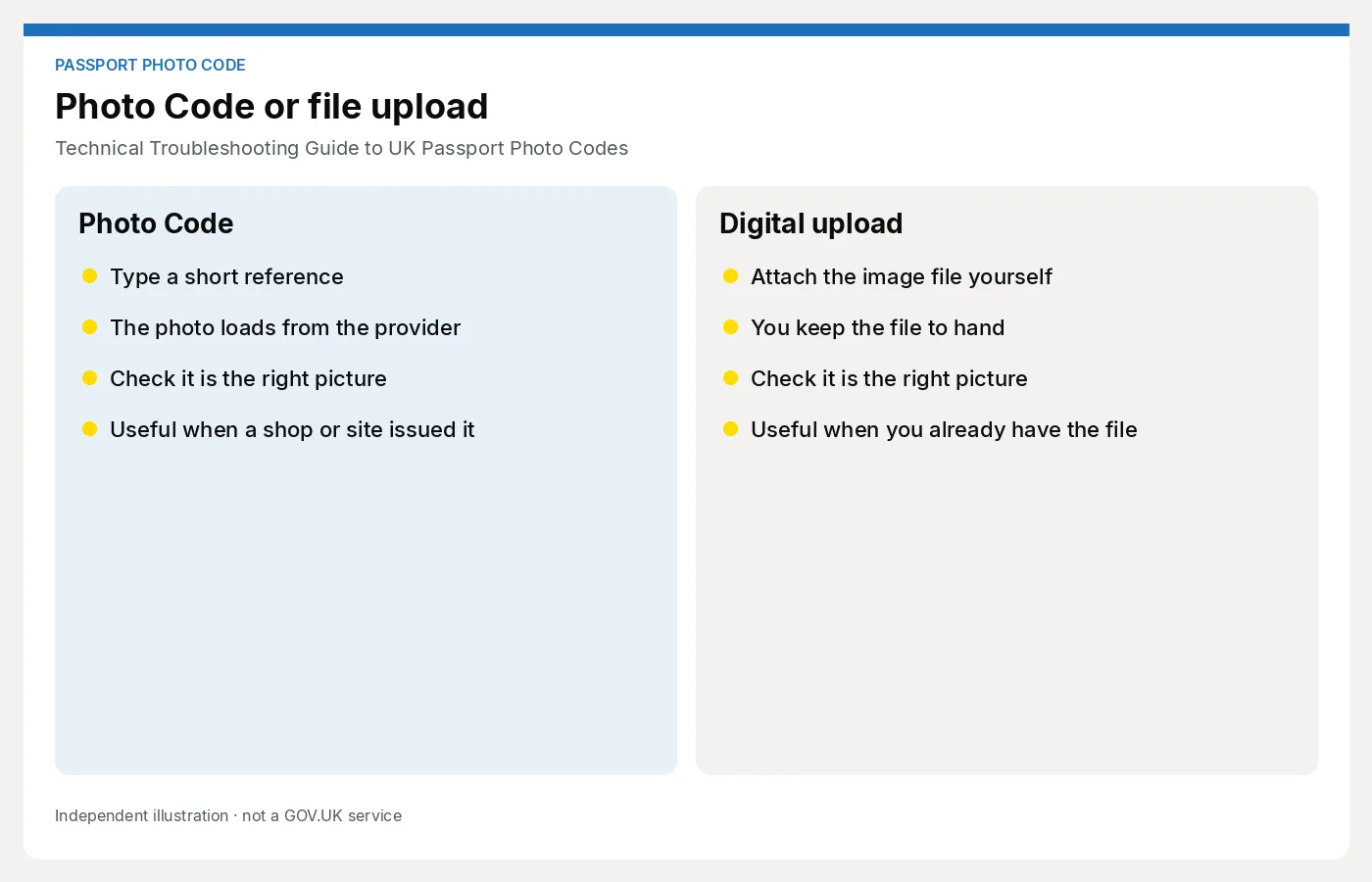
When to use a Photo Code
You should use a UK passport photo code if you want the technical heavy lifting handled for you. A code is a unique reference that allows the GOV.UK website to retrieve a pre-formatted photo from a secure server. If you used a service like Passport Photo Code, the image has already been cropped and checked against official specifications. It’s a technical fast-track that bypasses manual file management.
When a direct upload is better
Use a direct upload if you have a high-quality digital file from a professional photographer who didn't provide a code. This gives you more control over the file quality, but you must manually ensure the file meets the Official GOV.UK Digital Photo Standards regarding size and resolution.
The Decision Matrix: Photo Code vs. Digital File Upload
To choose the right method, it’s helpful to understand what is happening behind the screen. Both methods are valid, and the final decision on acceptance is always made by a human examiner at HMPO.
| Feature | Passport Photo Code | Digital Photo Upload |
|---|---|---|
| Technical Handling | Automatic (handled by provider) | Manual (applicant must check) |
| Speed | Instant retrieval | Requires file browsing/uploading |
| Error Risk | Retrieval errors (sync issues) | File format & size rejections |
| Ideal For | Fast, home-taken photos | Tech-savvy users with DSLR files |
How Photo Codes work technically
When you enter your code, the HMPO system performs a secure data retrieval from the service provider's server. This is why a "code not recognised" error is often just a temporary sync delay. If you've just obtained your code, wait 15 minutes for the server to update before trying again.
Decoding the HMPO Automated Checker Results
Once your photo is in the system, the GOV.UK automated checker runs an AI scan. It is vital to remember that this tool is advisory; it is not the final arbiter of your application.
What 'Good' really means
A "Good" result indicates the AI found no obvious biometric flaws. However, even a "Good" photo can be rejected if a human examiner spots something the AI missed, such as a slight head tilt or hair covering the eyes.
The Mystery of 'Fair': Should you risk it?
A "Fair" result often triggers anxiety, but it shouldn't stop your application if you've followed the rules. Common triggers for "Fair" include low contrast between hair and background or very slight shadows. According to HMPO Guidance for Examiners, staff are trained to override AI warnings if the photo clearly meets human-viewable standards.
Why 'Poor' results happen to decent photos
A "Poor" result is usually a hard block. This often happens because the file metadata is corrupted or the image has been overly compressed. If your photo looks perfect but gets a "Poor" rating, try re-saving the file as a high-quality JPEG without using "Export for Web" settings which might strip necessary data.

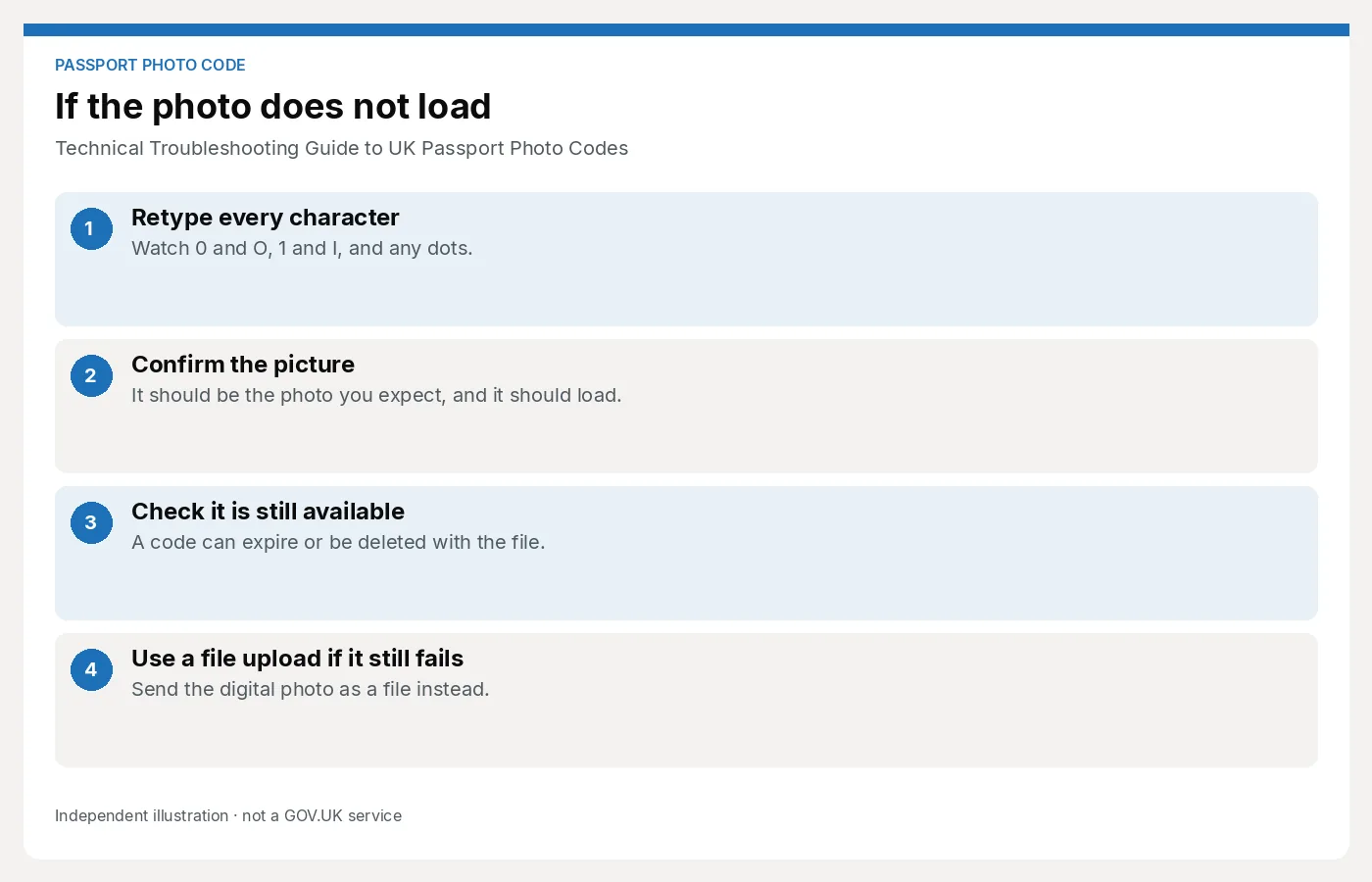
Troubleshooting: 'Passport Photo Code Not Recognised'
If you are facing an error while trying to get a passport photo code online, it is usually down to one of two technical glitches:
- Character Confusion: Many people mistake the number
0for the letterO, or the number1for the letterI. Double-check your code for these common typos. - The 'Not Found' Delay: If you use a photo booth, there is often a batch-upload delay. If the code isn't working immediately, give it an hour and try again.
If you have lost a passport photo code, you will typically need to contact the provider or generate a new one, as these codes are linked to specific secure files for privacy reasons.
The Technical Standards: Pixels, Formats, and File Sizes
For those choosing the online UK passport application photo upload method, your file must strictly adhere to these ICAO International Standards:
- Width: Minimum 600 pixels.
- Height: Minimum 750 pixels.
- File Size: Between 50KB and 10MB.
- Format: JPEG or JPG only. Avoid HEIC files from iPhones; convert them to JPEG first to avoid errors.
The 'British Abroad' Technical Gap
If you are applying for a British passport photo code outside the UK, be aware that local photographers in the US or EU often use different aspect ratios (like the square US 2x2 inch format). These will fail the UK checker. Always specify that you need a 4:3 aspect ratio for a digital UK application.
Data Privacy and Retention Cycles
Passport photos contain sensitive biometric data. Under ICO Data Retention guidelines, most reputable services like Passport Photo Code will only retain your image for a short window (often 48 hours to 30 days) before it is permanently deleted. This is why codes eventually expire.
Frequently Asked Questions
Does a passport photo code guarantee acceptance?
No. A code ensures the photo meets the technical upload standards, but a human examiner makes the final decision based on the full list of GOV.UK rules.
Why is my passport photo not showing after entering the code?
This is usually a browser cache issue or a temporary interruption in the HMPO retrieval service. Refresh the page or try a different browser like Chrome or Firefox.
Do I need a photo code for a UK passport renewal?
It is not mandatory, but it is highly recommended for the online UK passport renewal process to ensure the photo is correctly formatted.
Final Submission Checklist
Before completing your online UK passport application photo stage, verify these five points:
- Neutral Expression: Mouth closed, no smiling.
- Plain Background: No textures or objects visible.
- Eyes Clear: No hair over eyes and no "red-eye" from flash.
- Lighting: Even light across the face with no deep shadows.
- No Headwear: Unless for religious or medical reasons.
Using a UK passport photo code simplifies the process, reducing the risk of technical rejections and ensuring your application moves through the system as smoothly as possible.