How photo shops issue UK passport Photo Codes
A practical guide for UK photo studios and shop counters on issuing HMPO Photo Codes with prints — workflow, customer handoff, and common mistakes.
When customers renew a UK passport online, GOV.UK often asks for a Photo Code — a short reference that retrieves a digital photo hosted by a photo supplier. High-street studios, camera shops, pharmacies and booths can issue that code alongside printed photos.
This guide is for shop owners and counter staff, not applicants taking a DIY photo at home.
What a Photo Code is (in shop language)
A Photo Code is not a magic government login. It is a short HTTPS reference your business provides after you prepare a compliant digital passport photo. The applicant pastes it into the online passport application so HM Passport Office can fetch the image.
Official supplier guidance lives on GOV.UK under photo codes for digital passport photos. You remain an independent photo business; HMPO still makes the final accept/reject decision.
What customers expect at the counter
Most walk-ins now want both:
- Printed passport photos (postal / second application / keepsake)
- A Photo Code for the online application
If you only sell prints, you will lose people to booths and chains that advertise “digital code included.”
A simple counter workflow
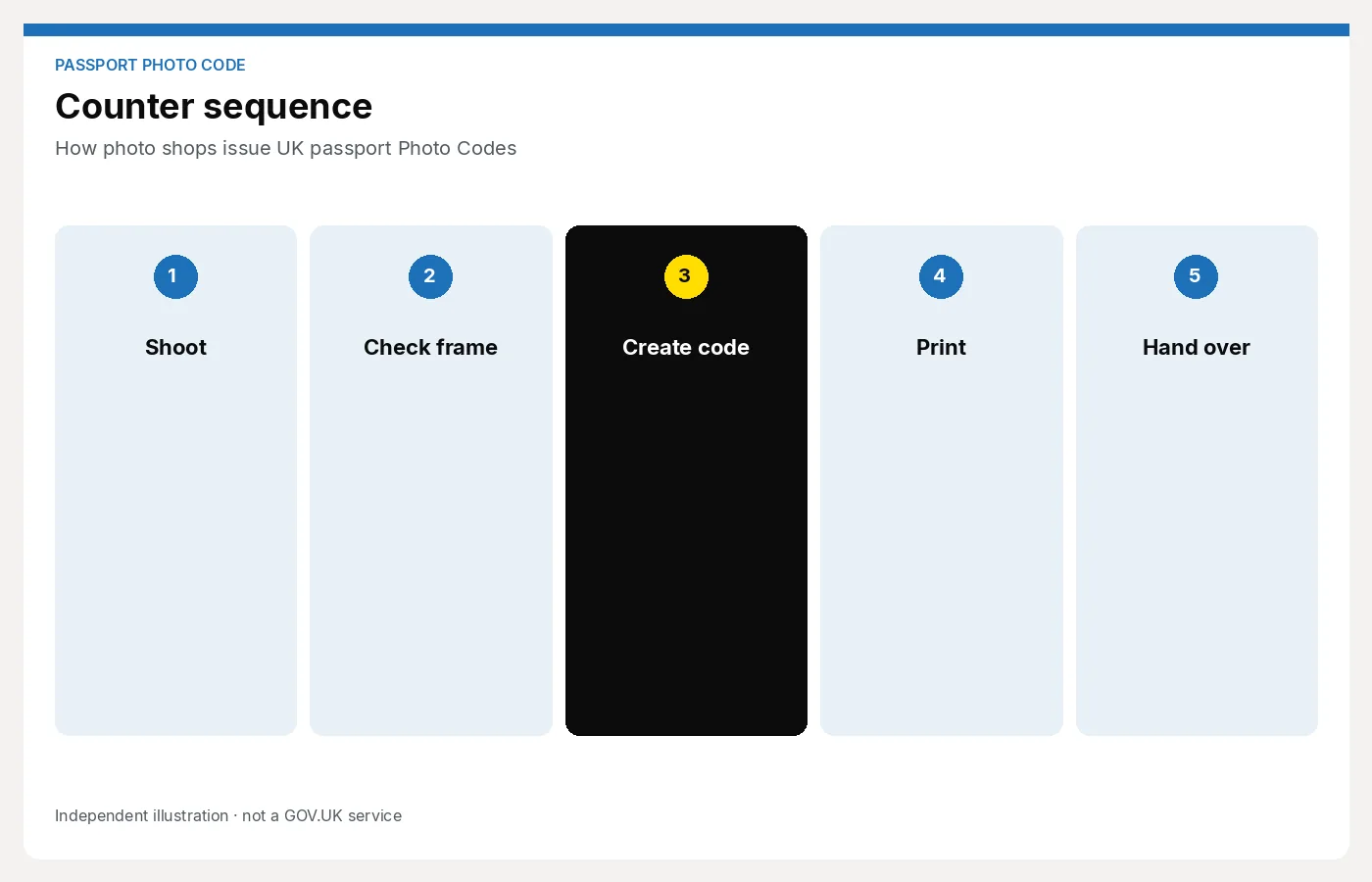
- Shoot — plain light background, even light, neutral expression, head and shoulders framing.
- Prepare — crop/size to the UK digital passport specification; run your checks.
- Issue — generate the Photo Code and explain how to enter it on GOV.UK.
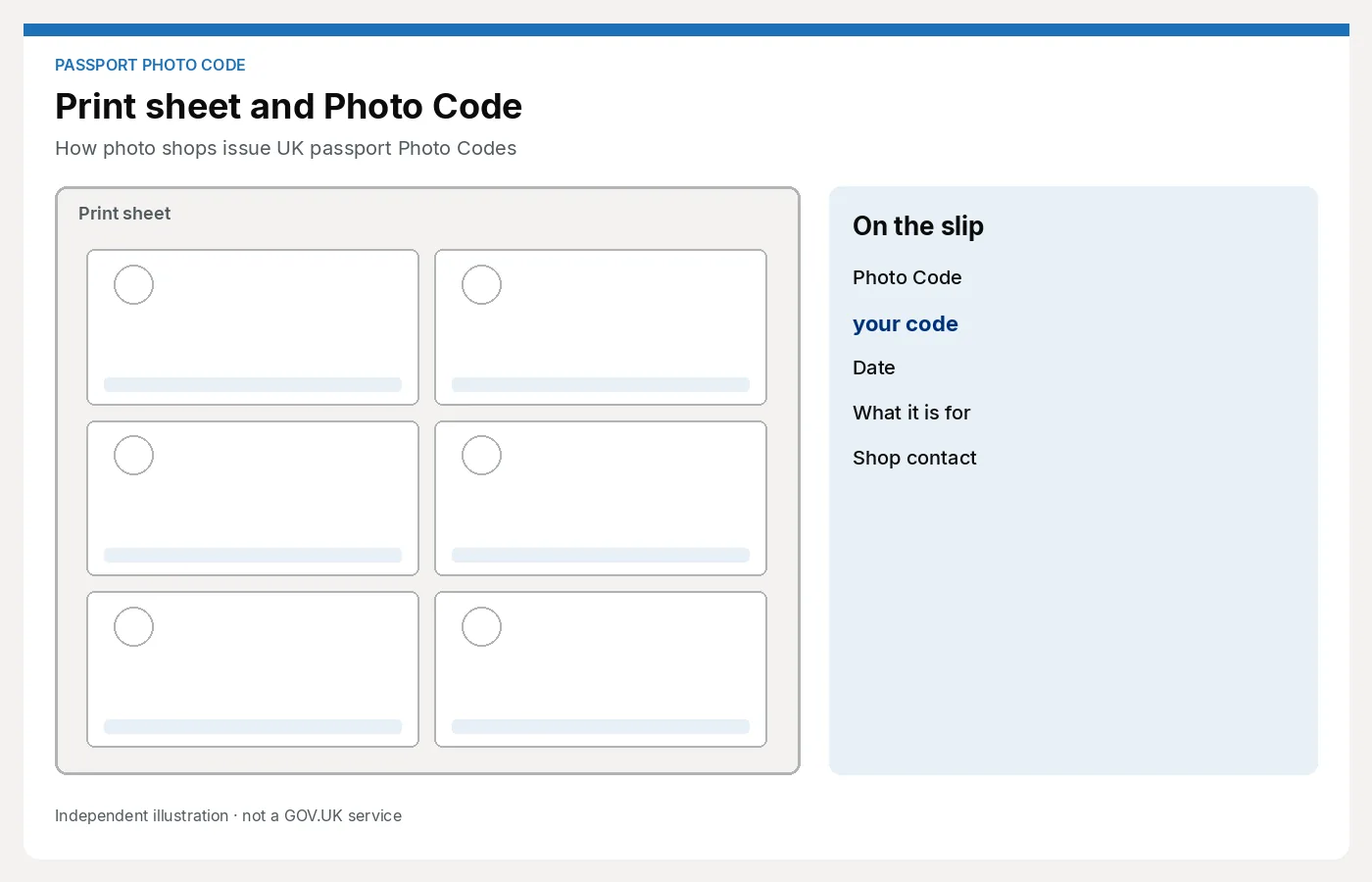
- Optional print — print sheet for paper routes or backup.
- Handoff — give the code in writing (receipt / card / email). Spell ambiguous characters carefully (0 vs O, 1 vs I).
Target time for a trained staff member: a few minutes per customer once the workflow is familiar.
What you need operationally
- A reliable way to capture or ingest a portrait at the counter
- Software or a workspace that prepares UK digital passport photos
- A Photo Code issuing path (licence pack + hardware ecosystem, desktop software + cloud, or a browser studio workspace)
- Clear staff script so every colleague explains the code the same way
You do not need to be GOV.UK. You do need a professional, consistent process.
Common shop mistakes
- Handing over a code without checking the photo against common failure points (shadows, glasses glare, expression)
- Not writing the code down clearly
- Mixing up the free personal DIY tool path with a studio customer path
- Promising “guaranteed acceptance” — only HMPO decides
- Forgetting prints when the customer still needs them
How Passport Photo Studio fits
Passport Photo Studio is a browser workspace for shop counters: prepare the digital photo, Photo Code and print sheet without buying a DNP-style annual code pack or installing desktop software.
It is separate from the free personal Photo Code tool on this site, which is for people preparing their own application.
Next step for studios
If you already sell passport photos and want to add codes without hardware lock-in, start here: For photo studios.